Tutorial: Using Two-Factor Authentication (2FA)
Two-factor authentication (2FA) adds an additional layer of security to your account by requiring an extra verification step in addition to your password. This tutorial will guide you through the available options: MFA OTP Google Authenticator and MFA Email.
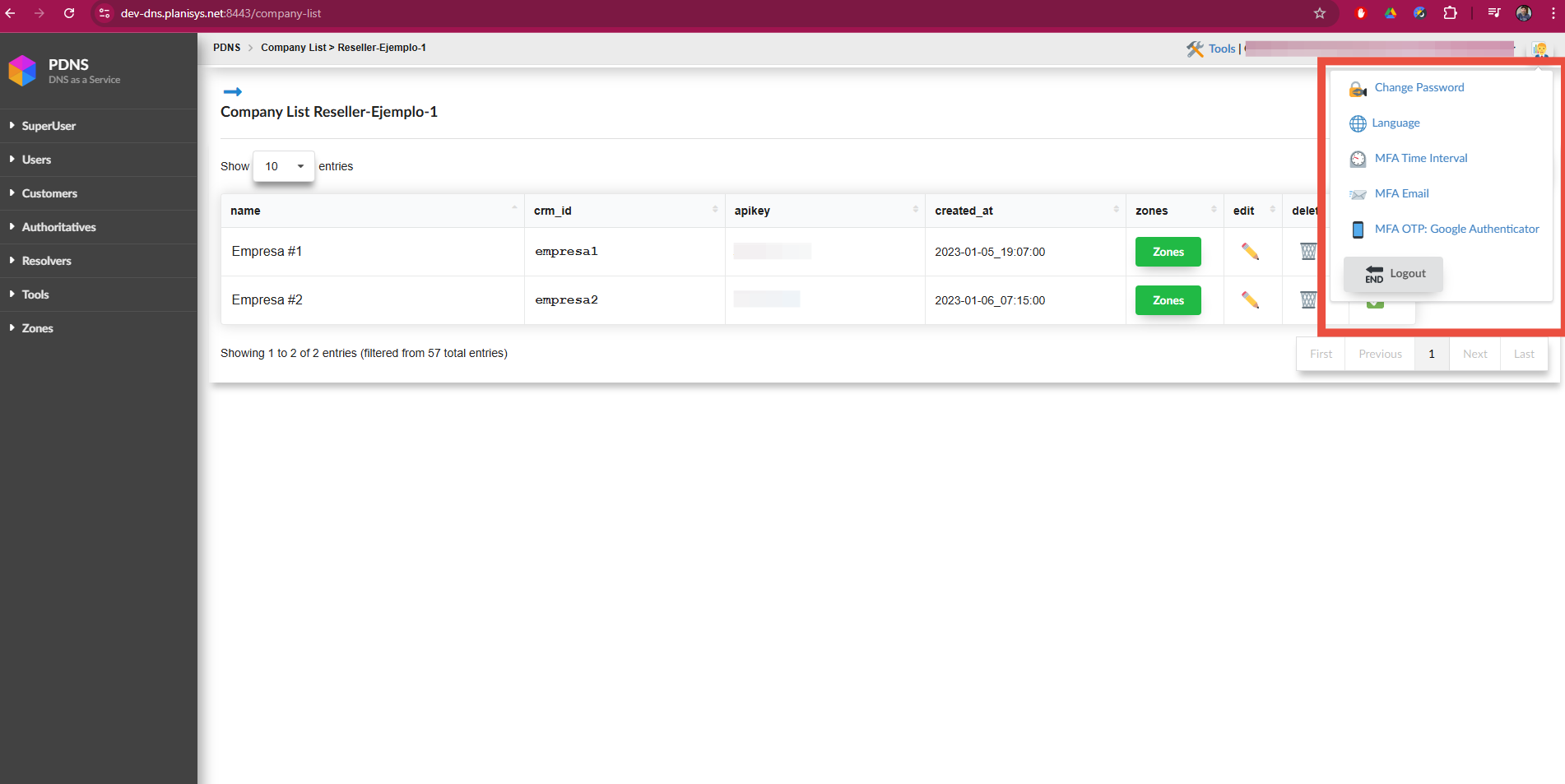
Available 2FA options
MFA OTP Google Authenticator
This option generates temporary unique codes using the Google Authenticator application.
Configuration:
In the 2FA settings, select this option.
Scan the provided QR code using Google Authenticator.
Enter the code generated by the application to confirm the configuration.
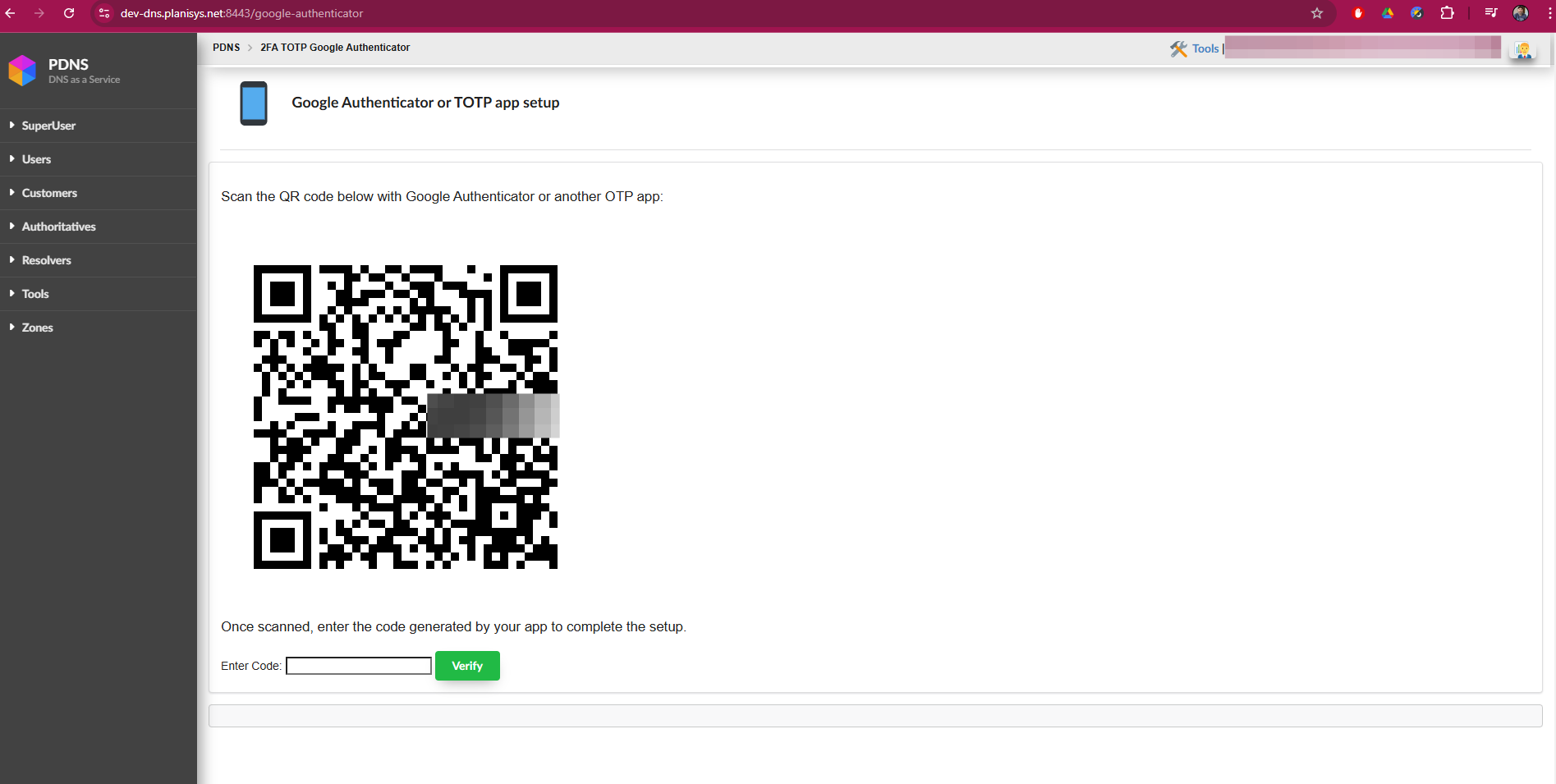
Then, when attempting to log in to the page, a screen will appear where you must enter the 6-digit code generated by the app.
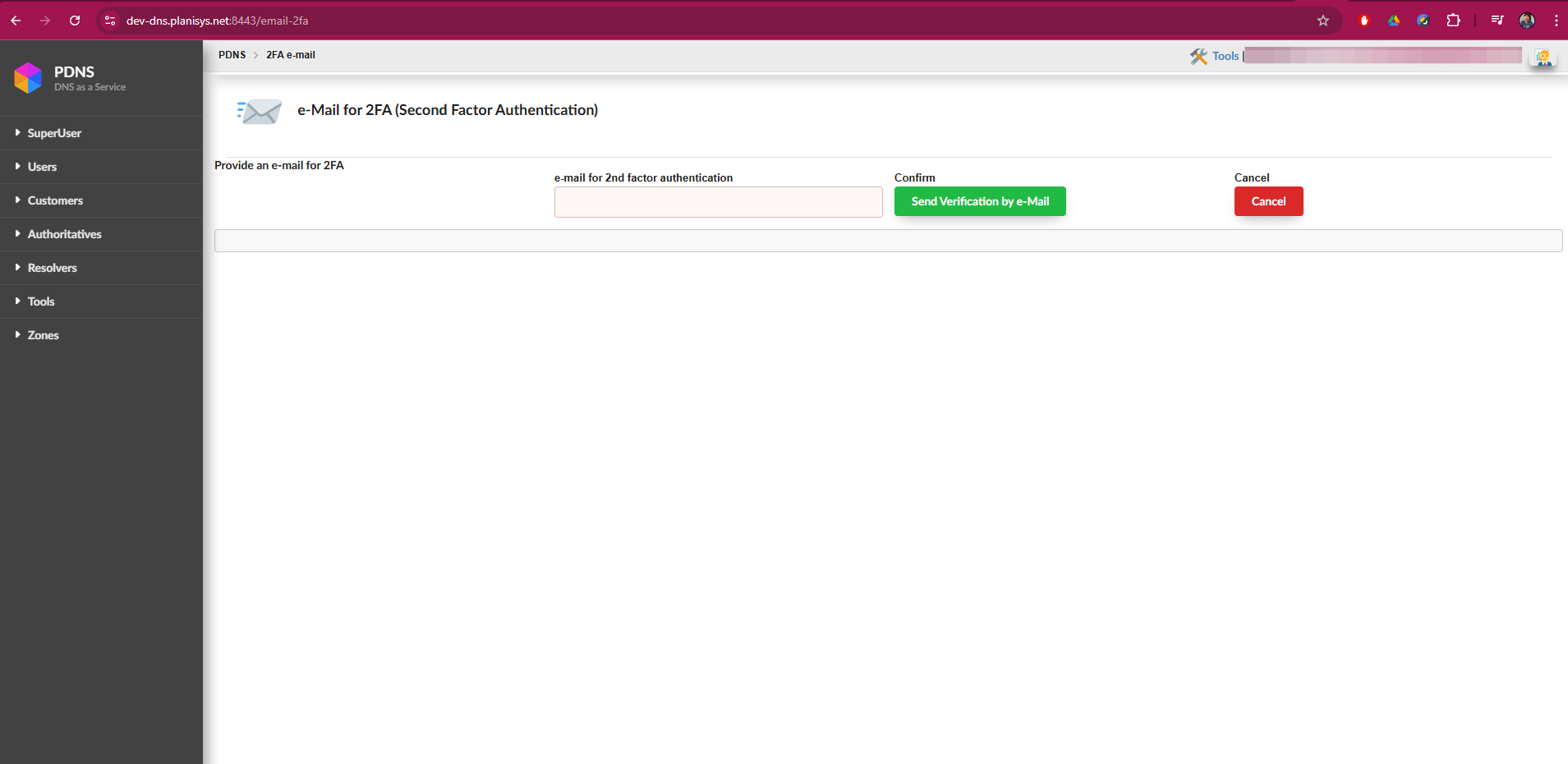
MFA Email
This option sends a unique code to your email address.
Configuration:
Select this option and provide a valid email address.
You will receive a code in your email.
Enter the code into the system to complete the configuration.
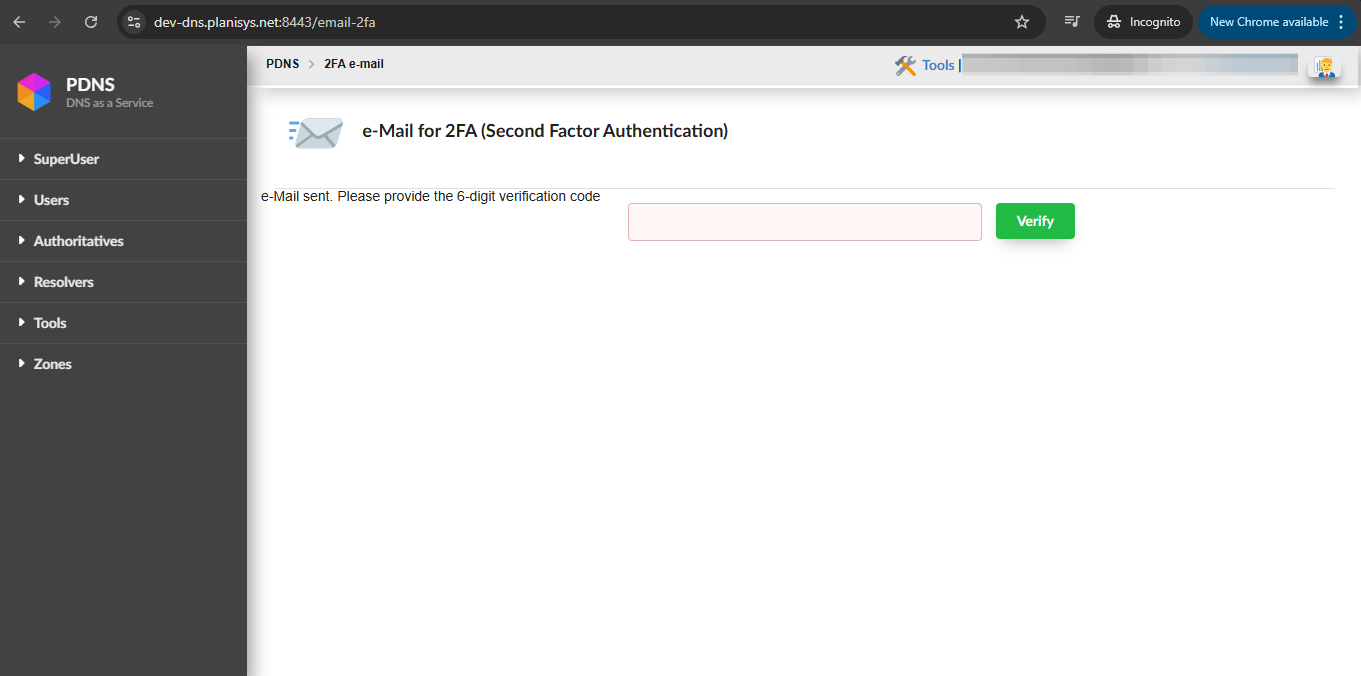
Simultaneous use of the options
You can enable both 2FA options at the same time and choose which one to use during login.
If you prefer to use only one, you can disable the other from your account settings.
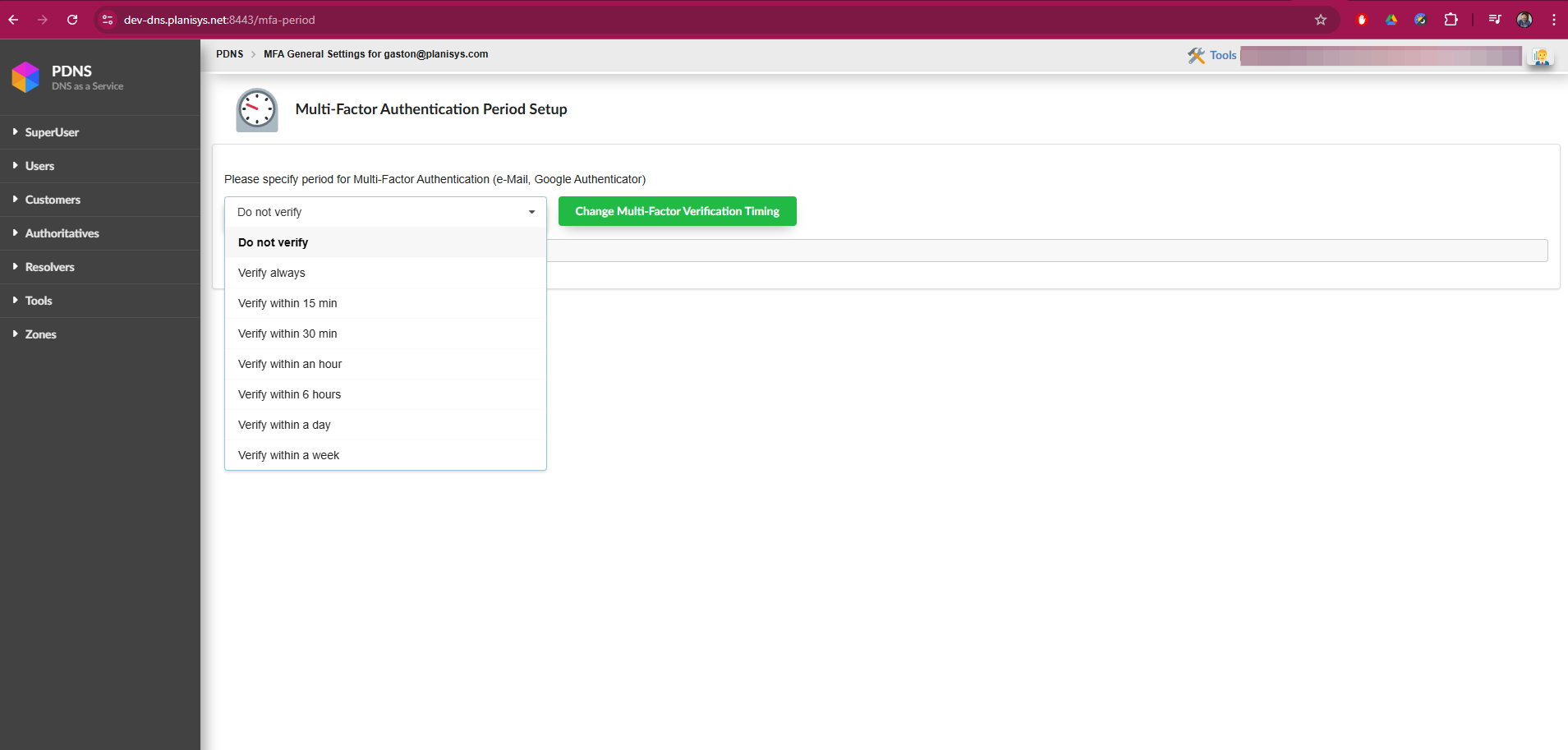
Other important settings
Time interval for requesting 2FA
There is an option called MFA Time Interval, where you can select how often 2FA will be requested:
Every time you log in.
Once per day.
Once per week.
Once per month.
Special behavior
Even if you configure a long interval, the system will request 2FA in the following cases:
Browser or IP address change.
Password change.
Security notifications
If you make an important change such as:
Changing your password.
Enabling or disabling a 2FA option.
You will receive a notification email both in the login account and in the account used for 2FA (if different).
Conclusion
Using 2FA is essential to protect your account against unauthorized access. You can choose between Google Authenticator and MFA Email options, or use both for greater flexibility. Also configure the time interval that best suits your needs and make sure to pay attention to security notifications.