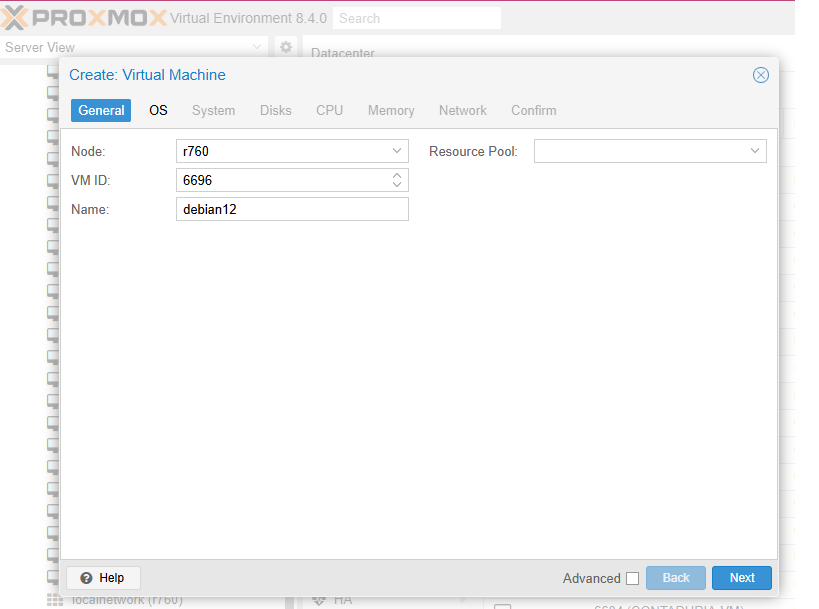
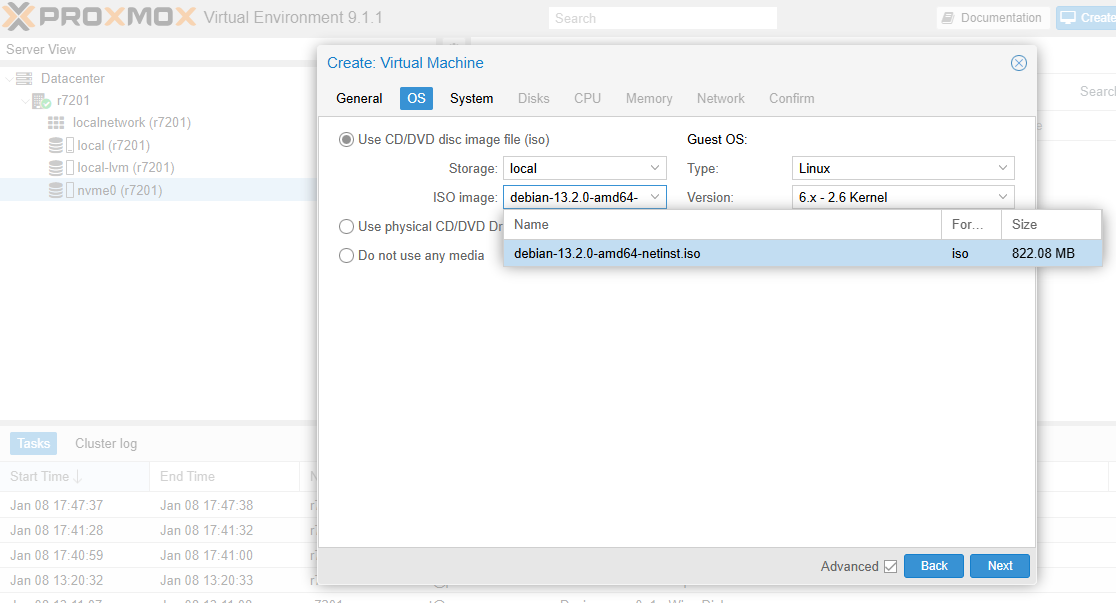
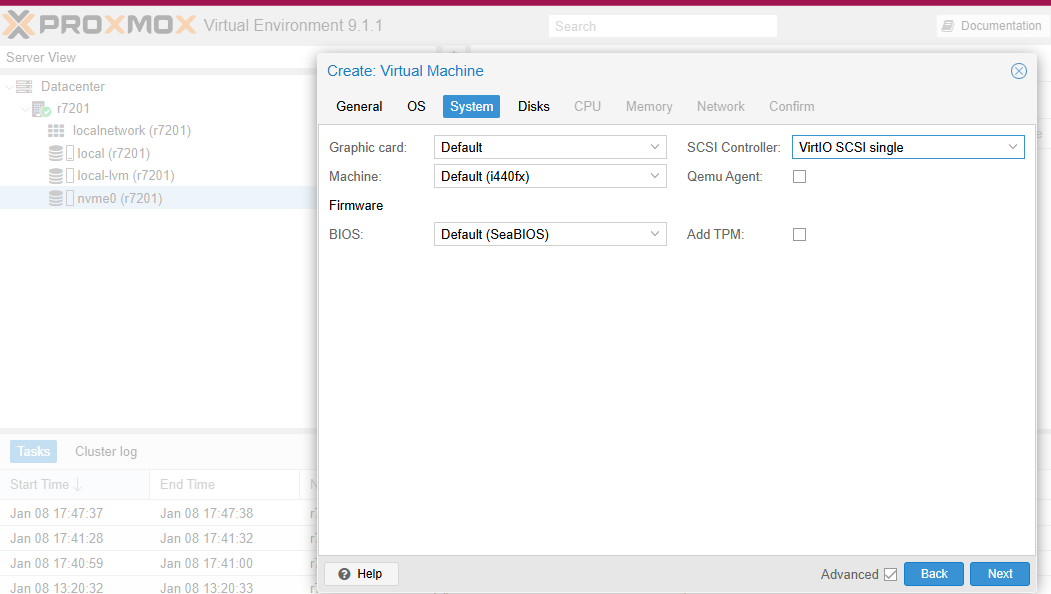
Creating a Debian 13 KVM on Proxmox 9.x (from .iso)
The .iso image we are going to use can be downloaded from this URL:
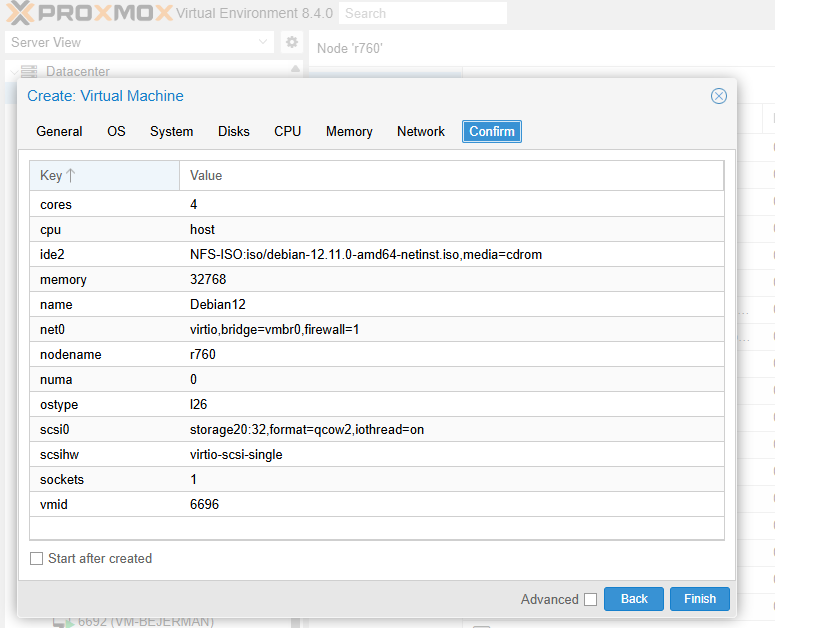

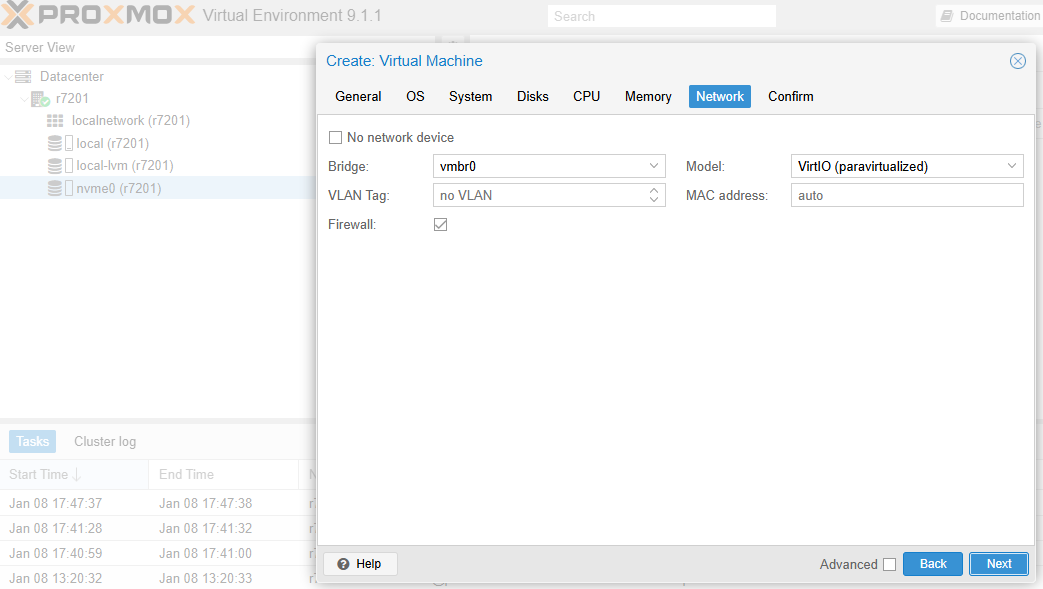
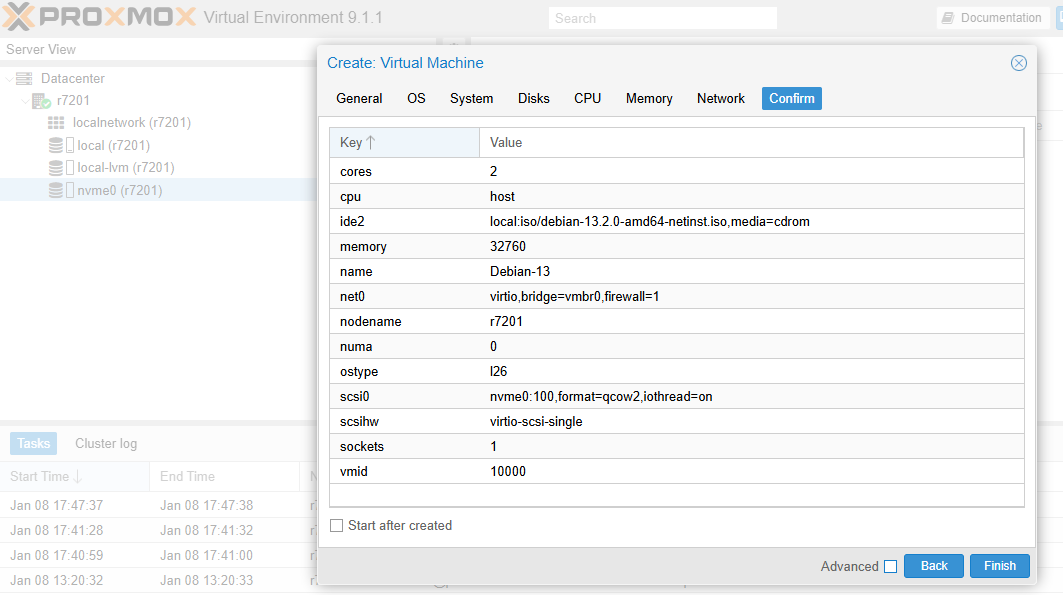
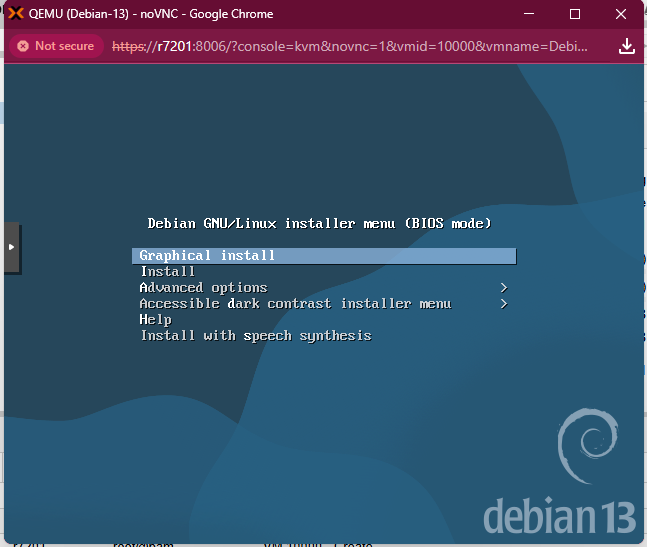

Support Limitations for Debian 13 Installations
At Planisys, to ensure the stability and performance of our solutions, we do not provide support for Debian 13 installations that:
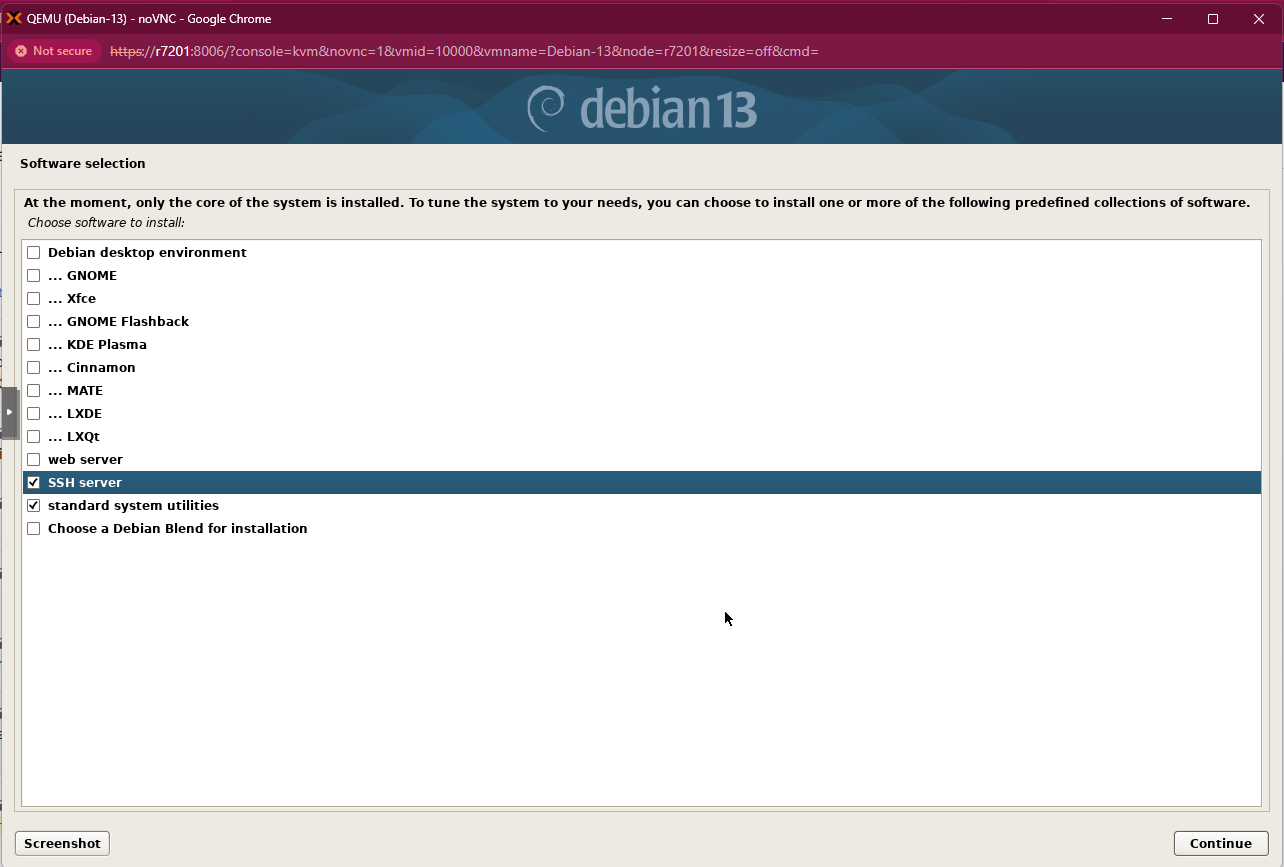
Are not *headless* (without a graphical environment).
A system with a graphical environment consumes unnecessary resources and may interfere with the performance of critical services.
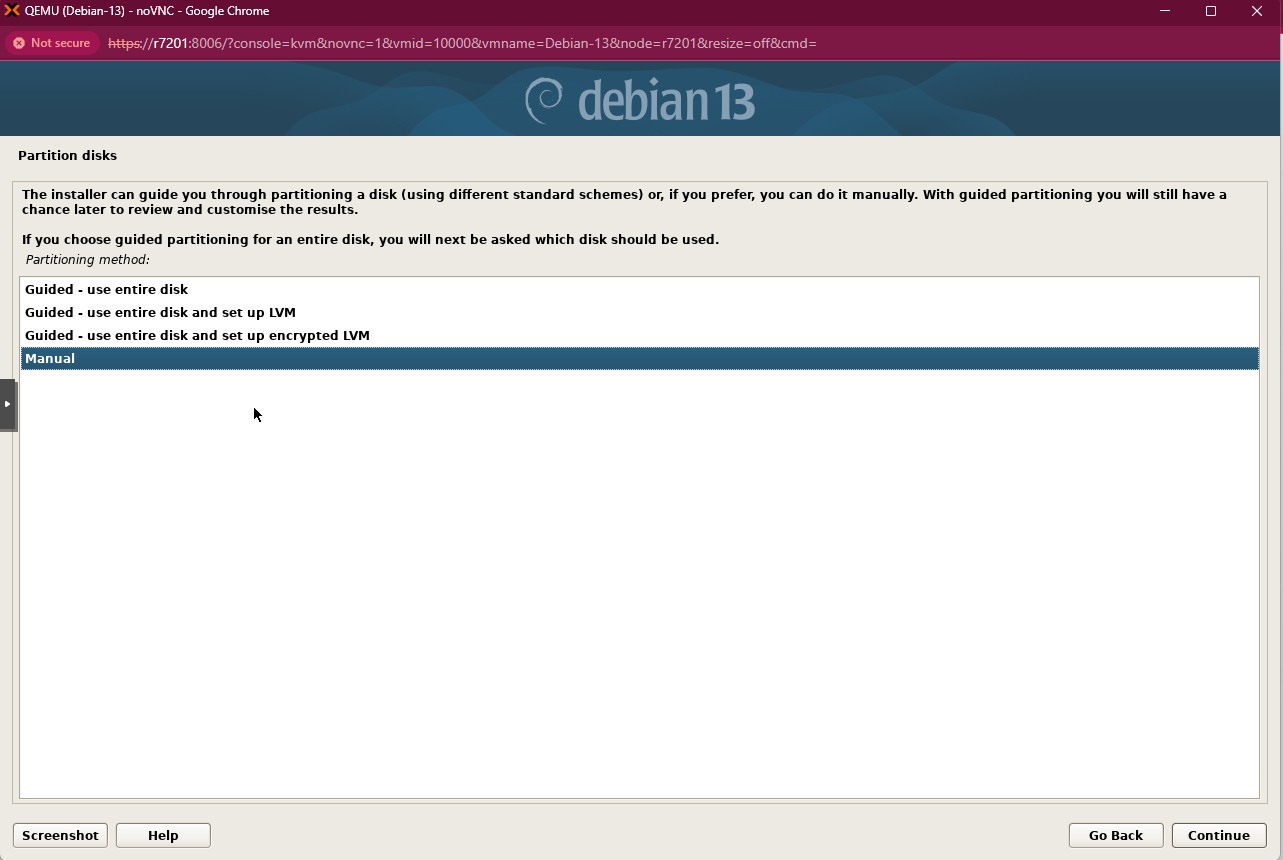
Use LVM (Logical Volume Manager).
We have detected blocking issues related to LVM in the
dnstap.logrecords, which may affect service availability.Maintain constant *snapshots*.
Continuous use of snapshots significantly degrades disk performance, affecting latency and service responsiveness.
These restrictions are applied to avoid incidents and ensure maximum performance and reliability in production environments.
Filesystems and Operating Systems
Planisys supports Debian 13, also known as Debian Trixie due to its improved software versions.
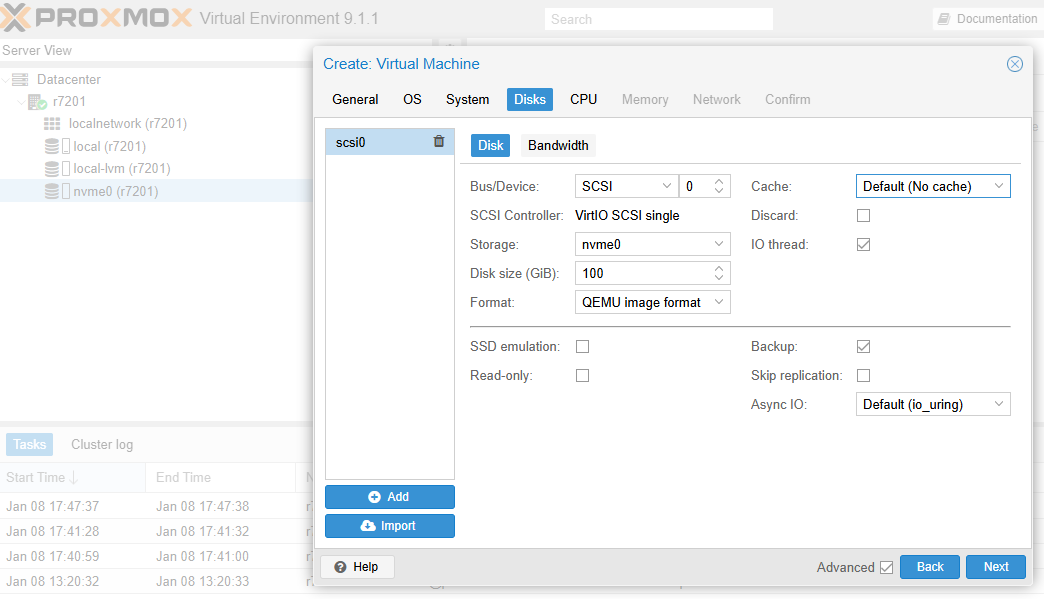
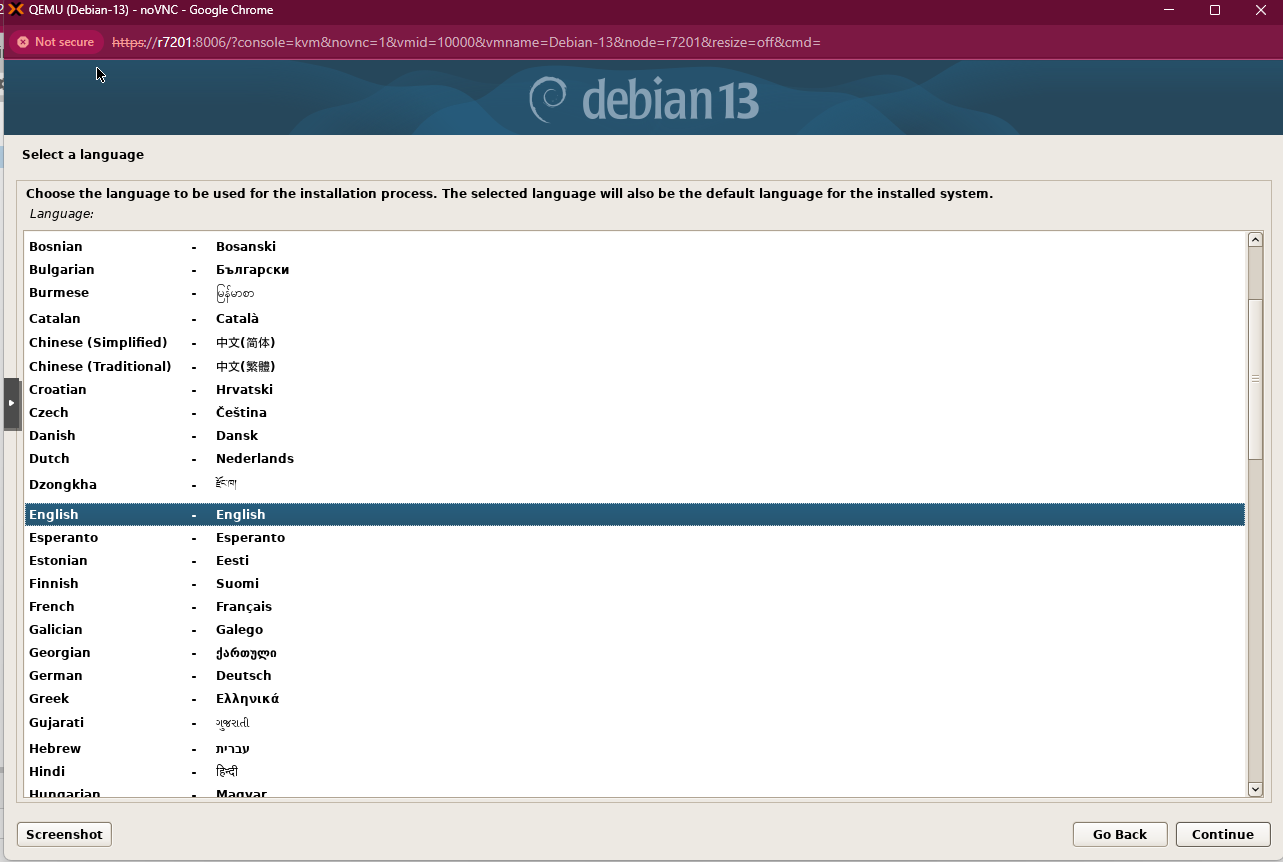
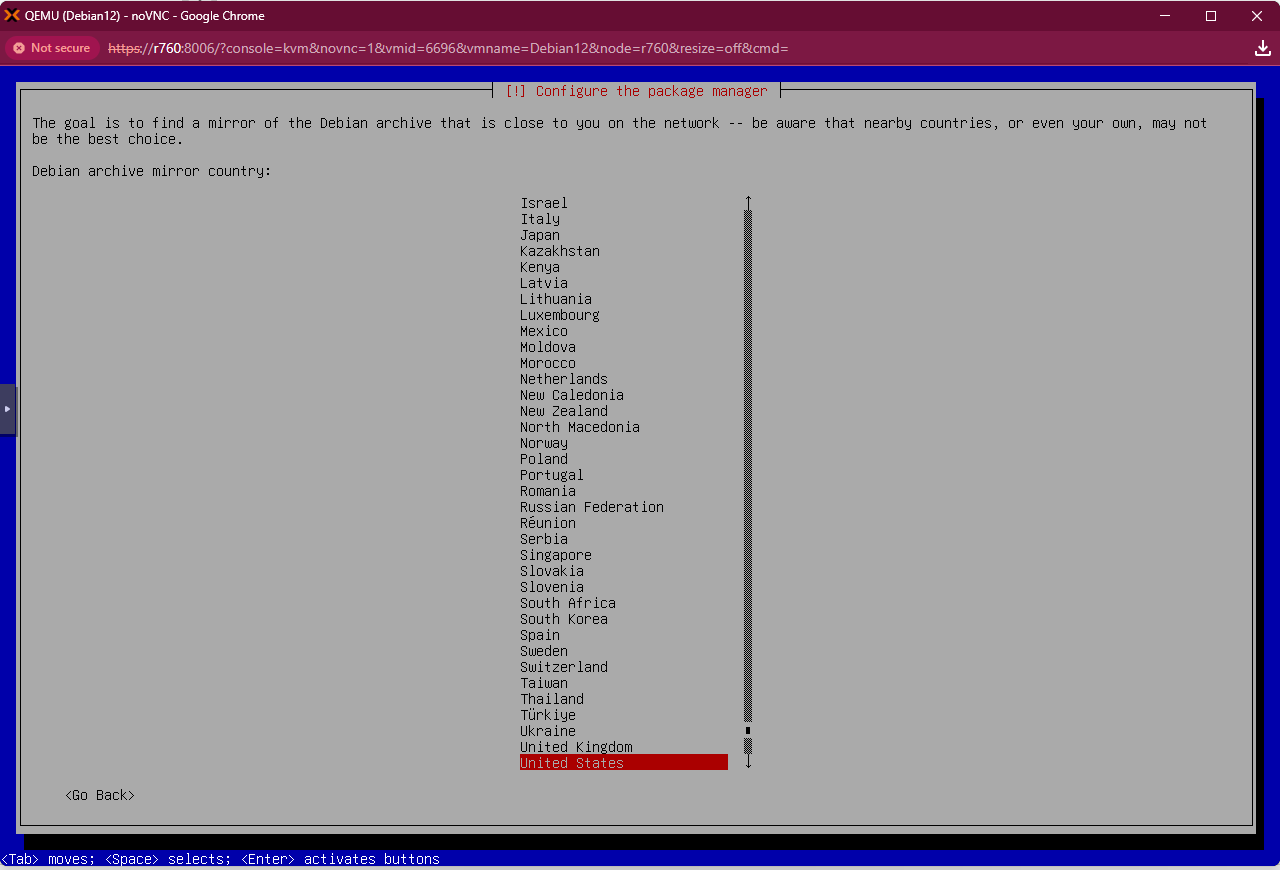
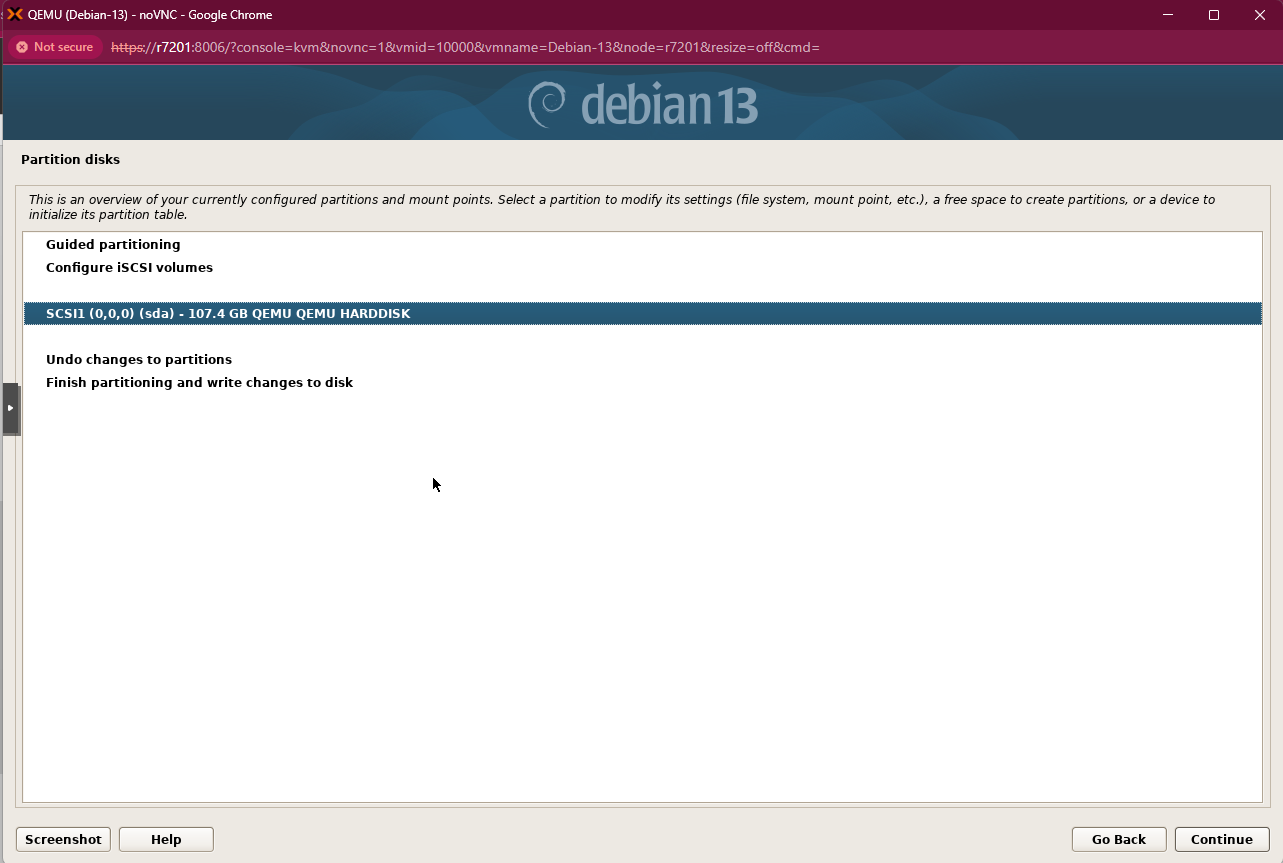
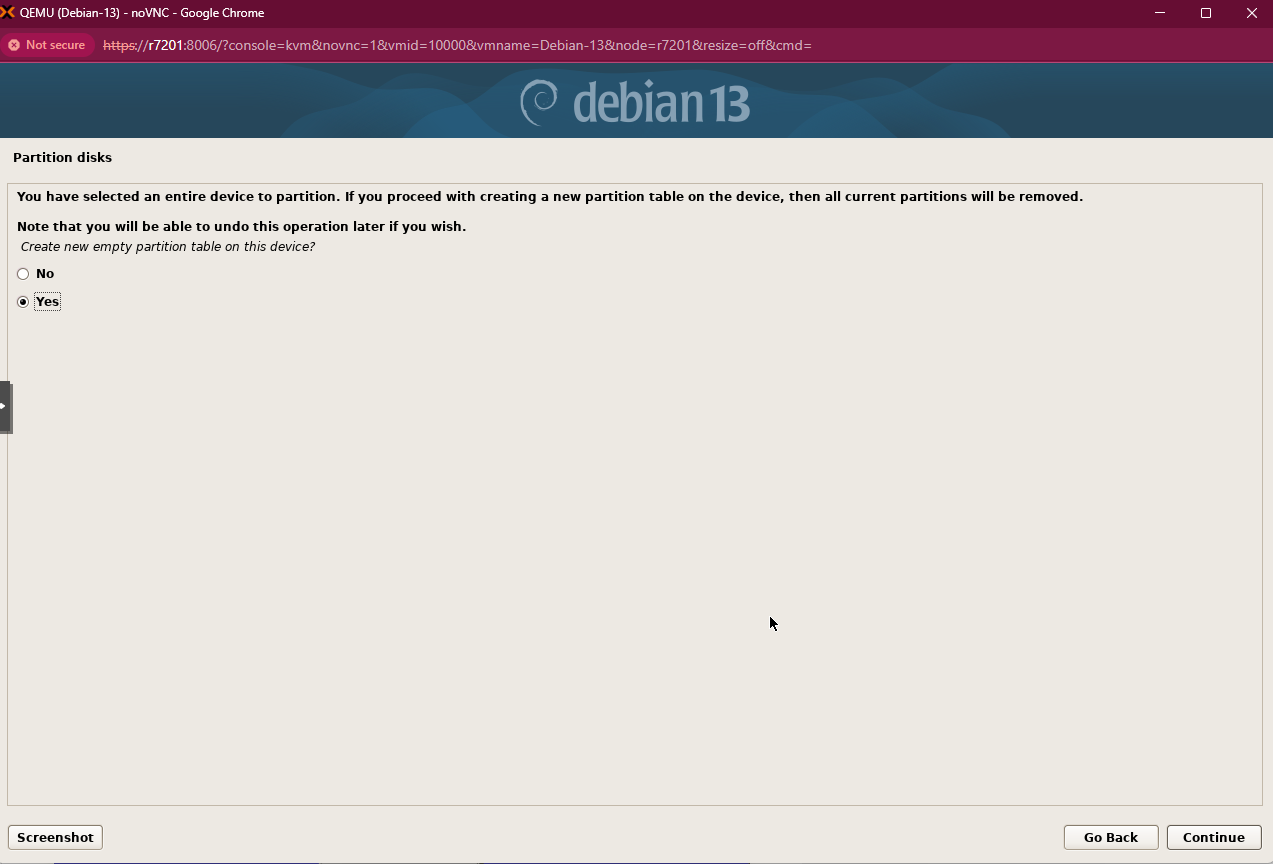
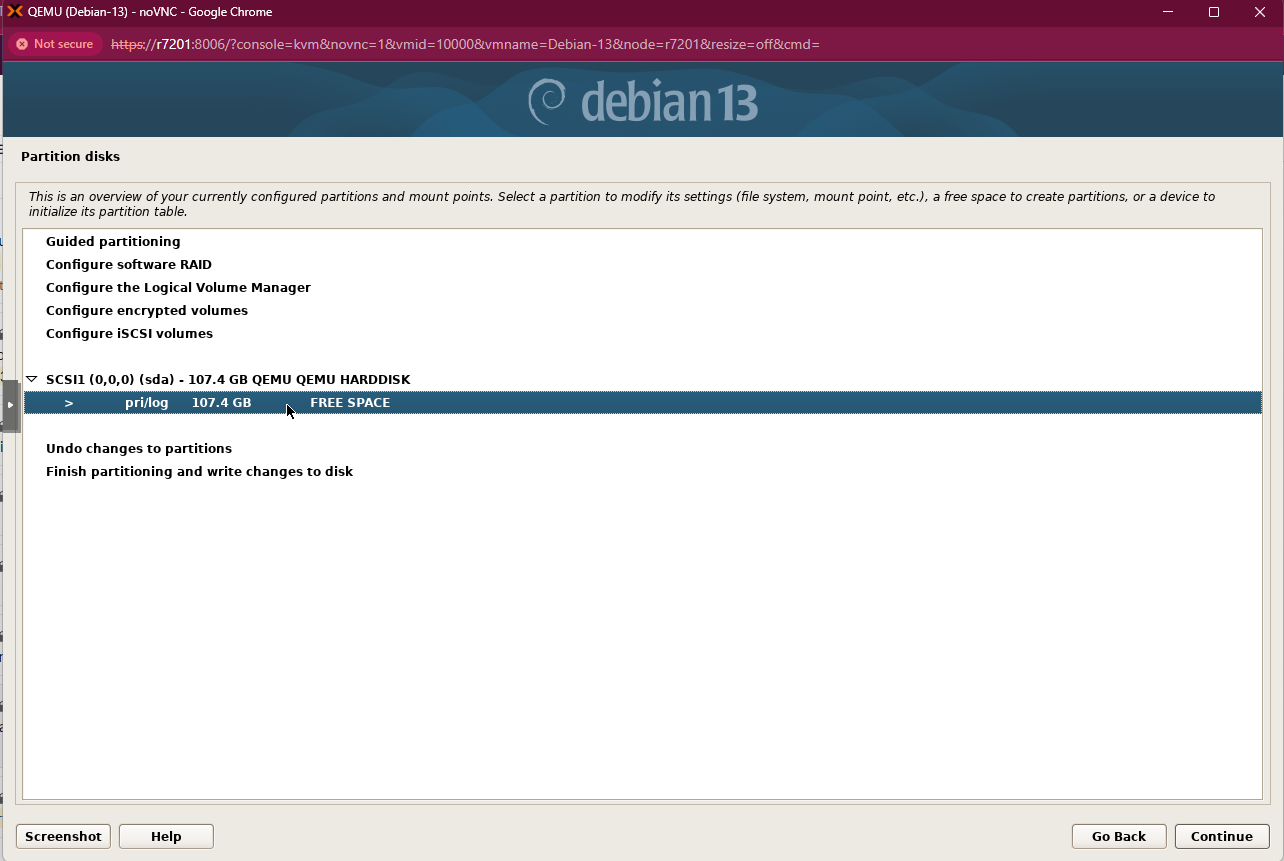
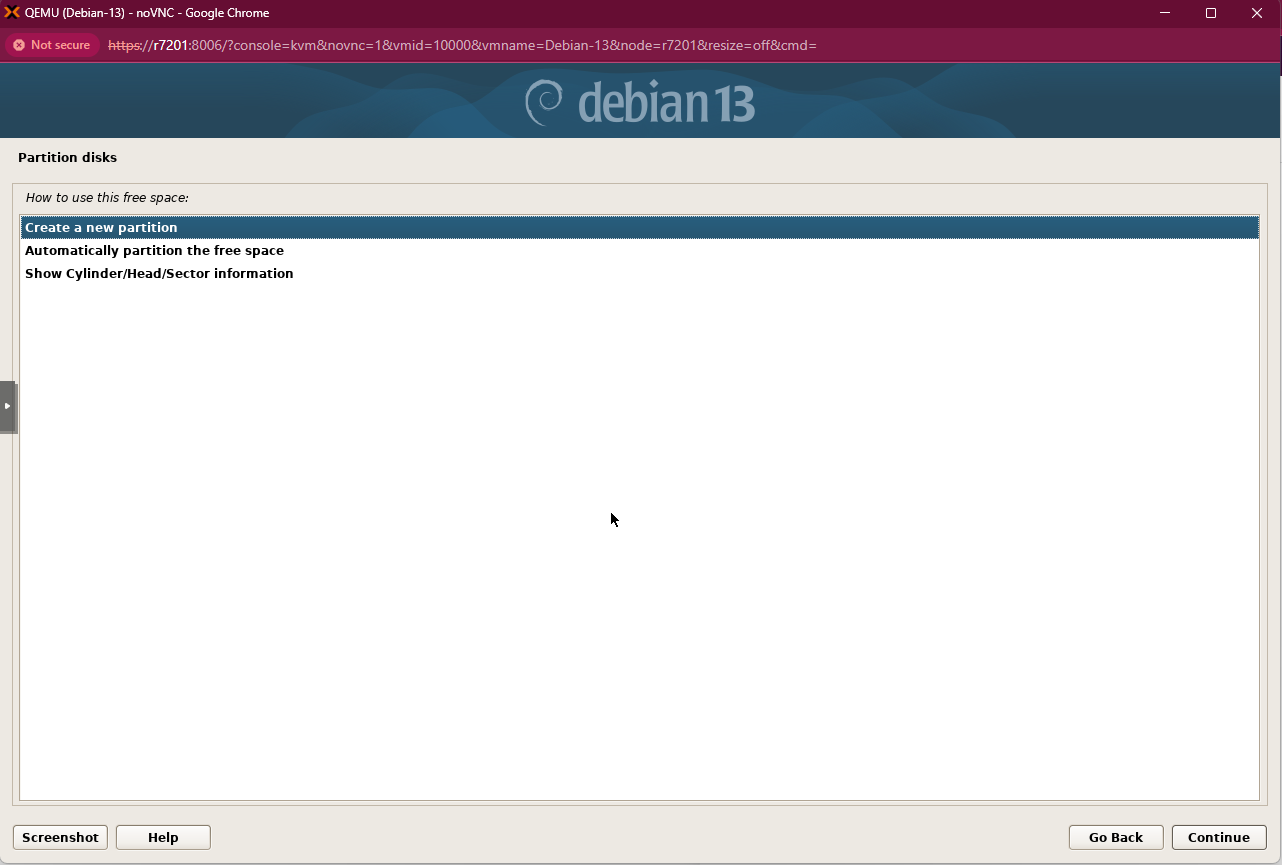
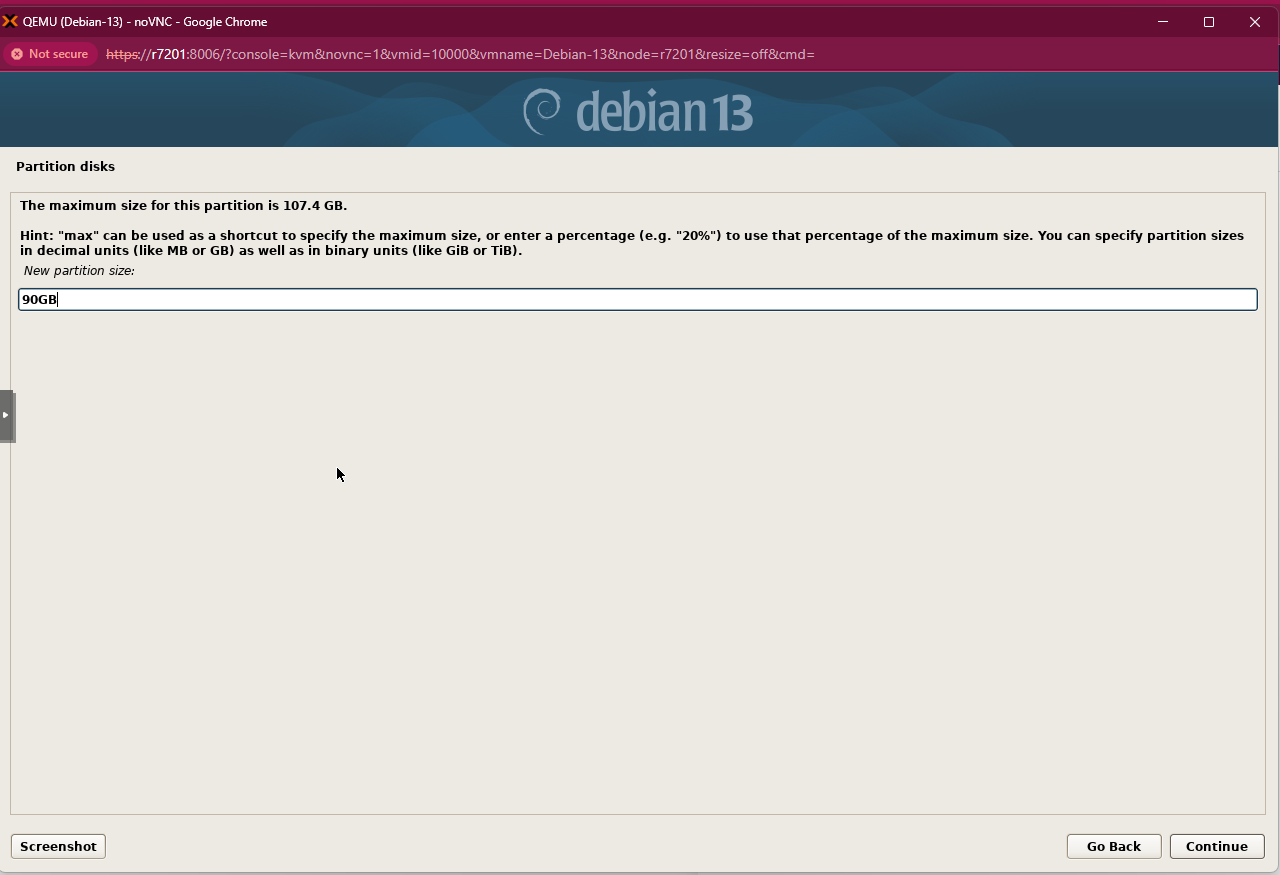
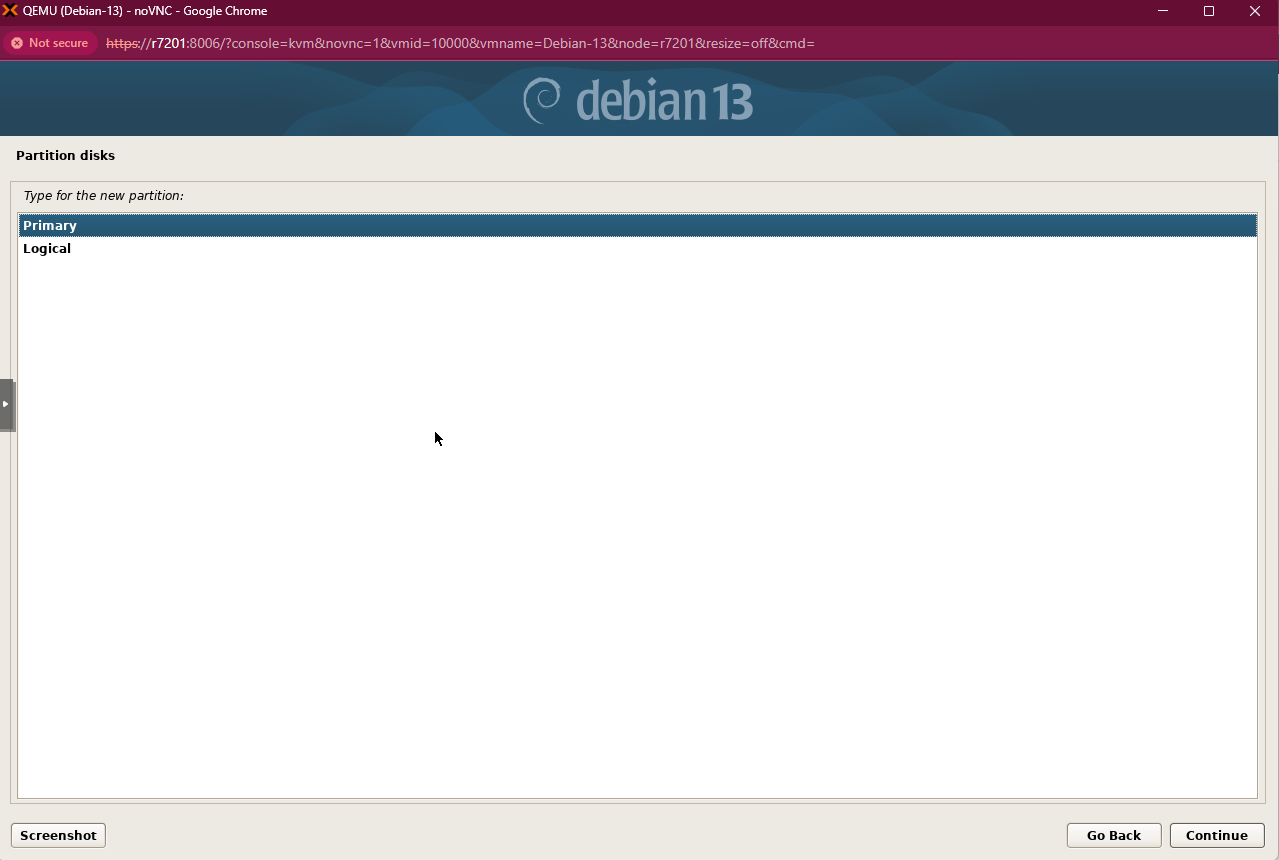
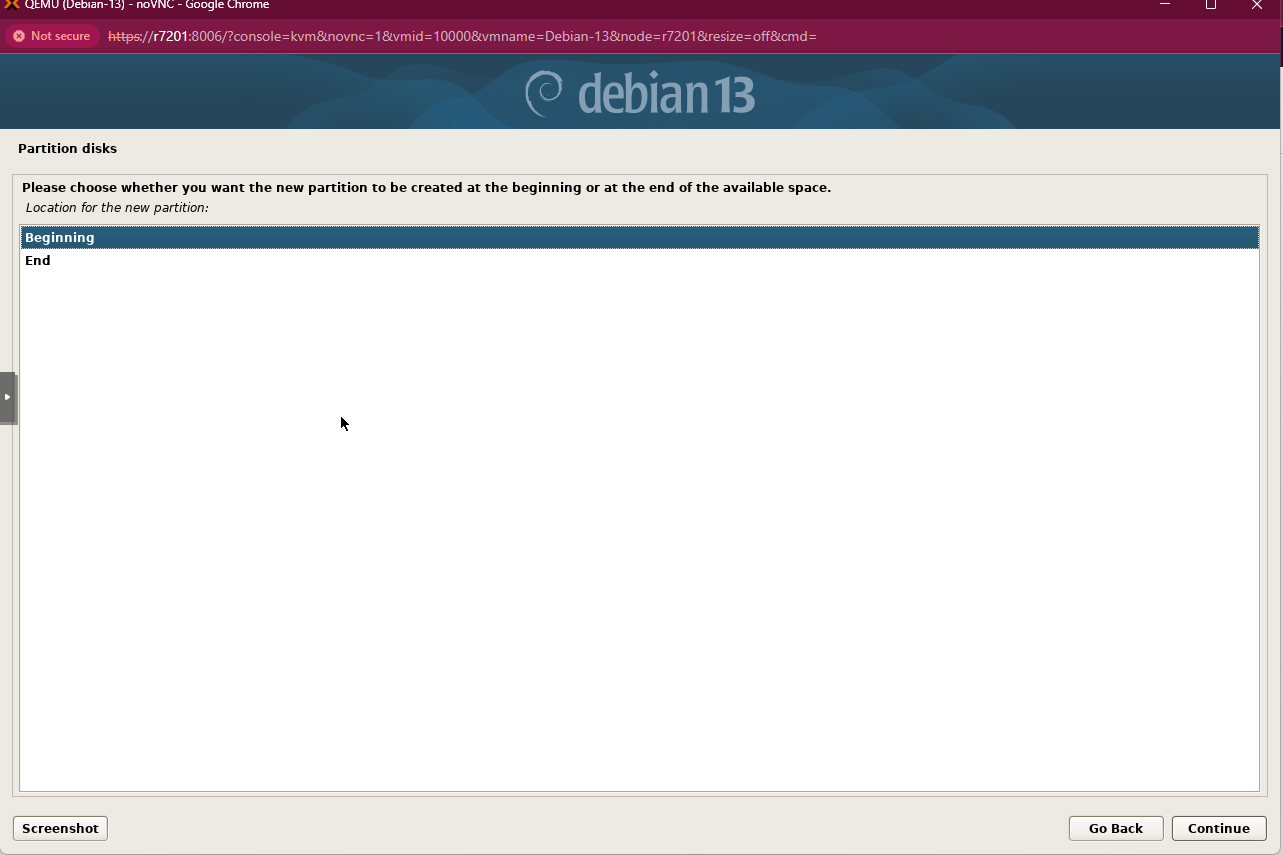
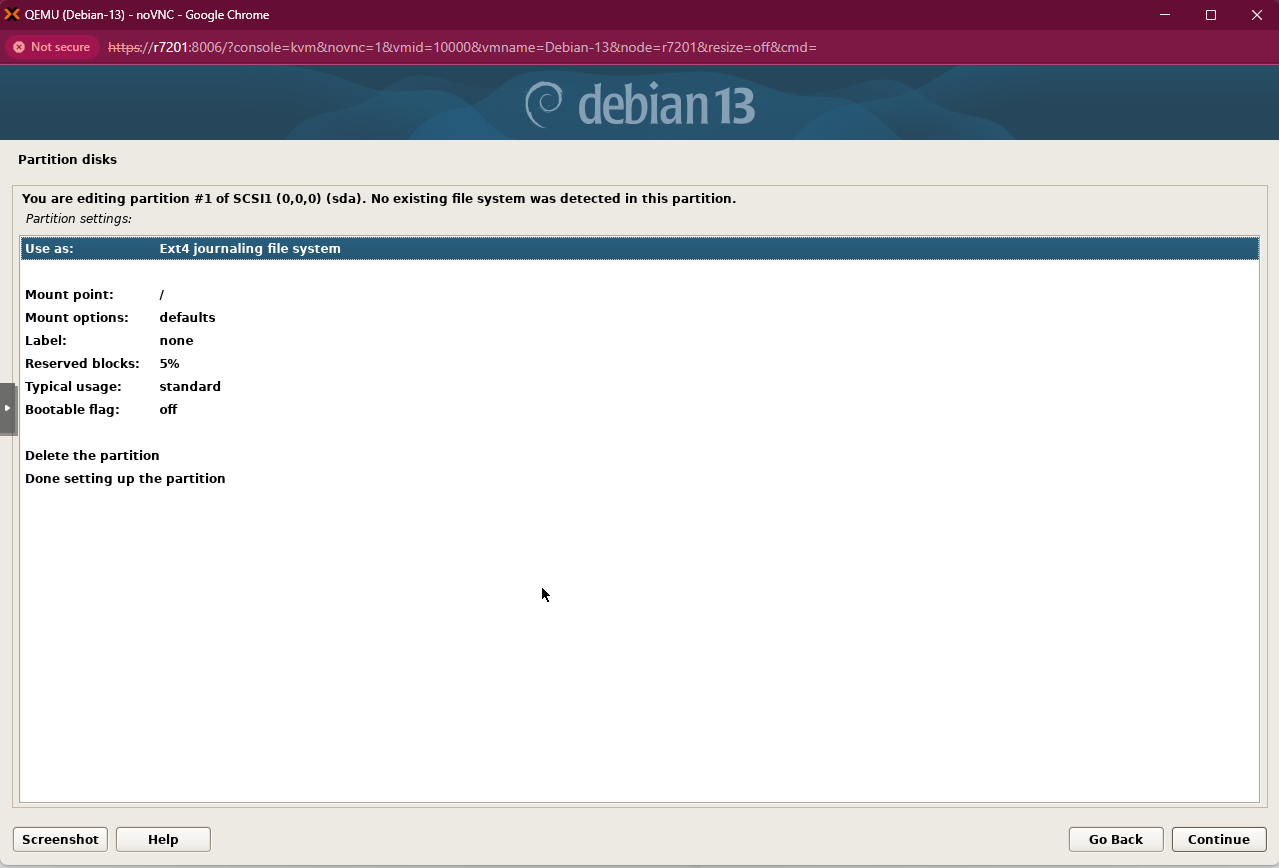
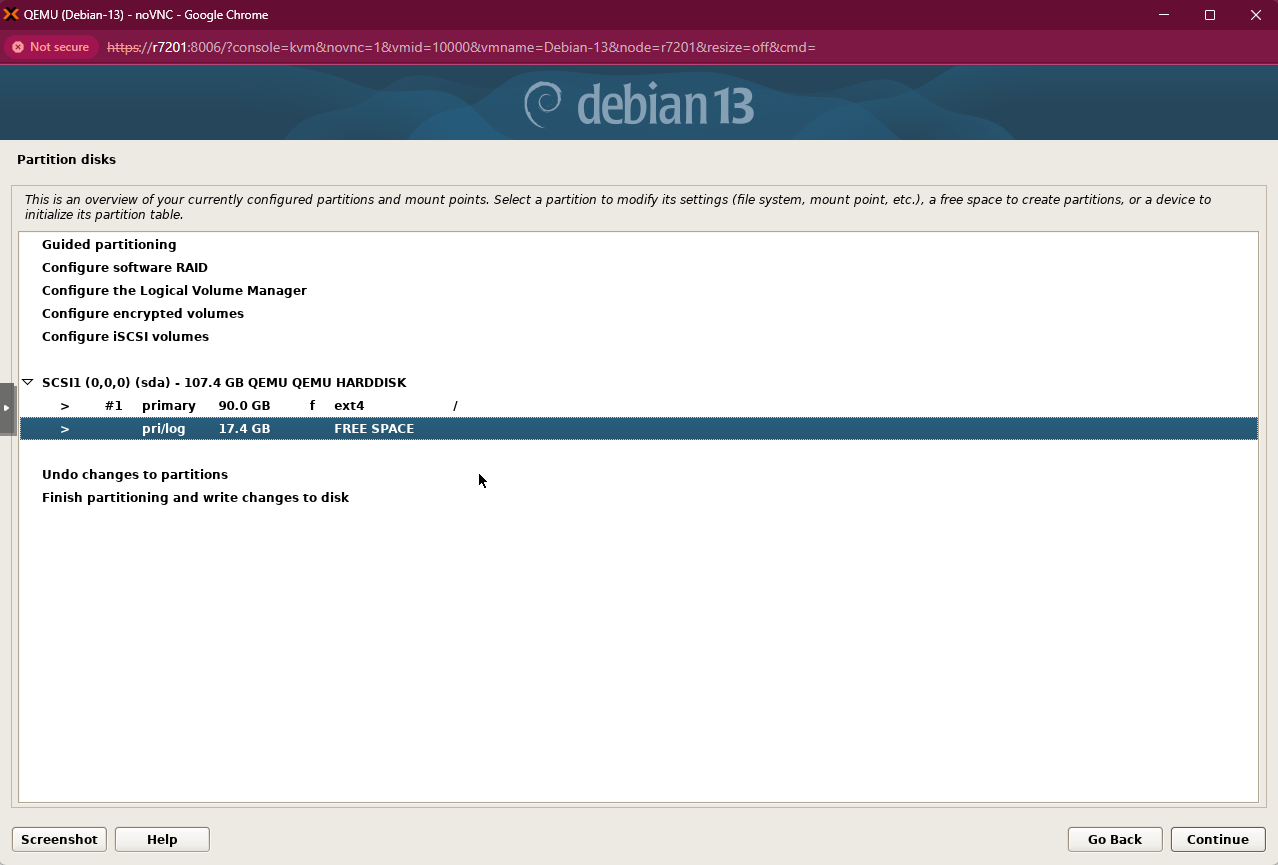
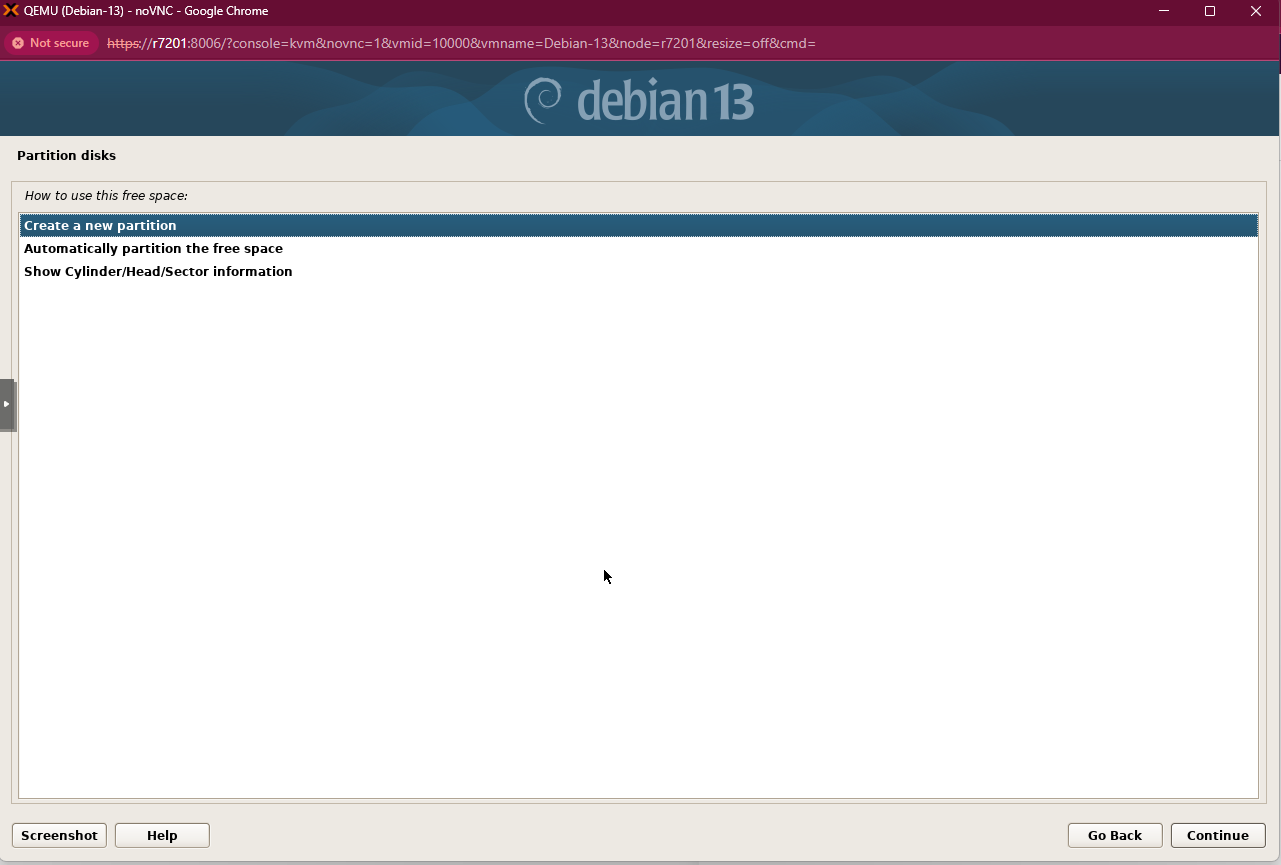
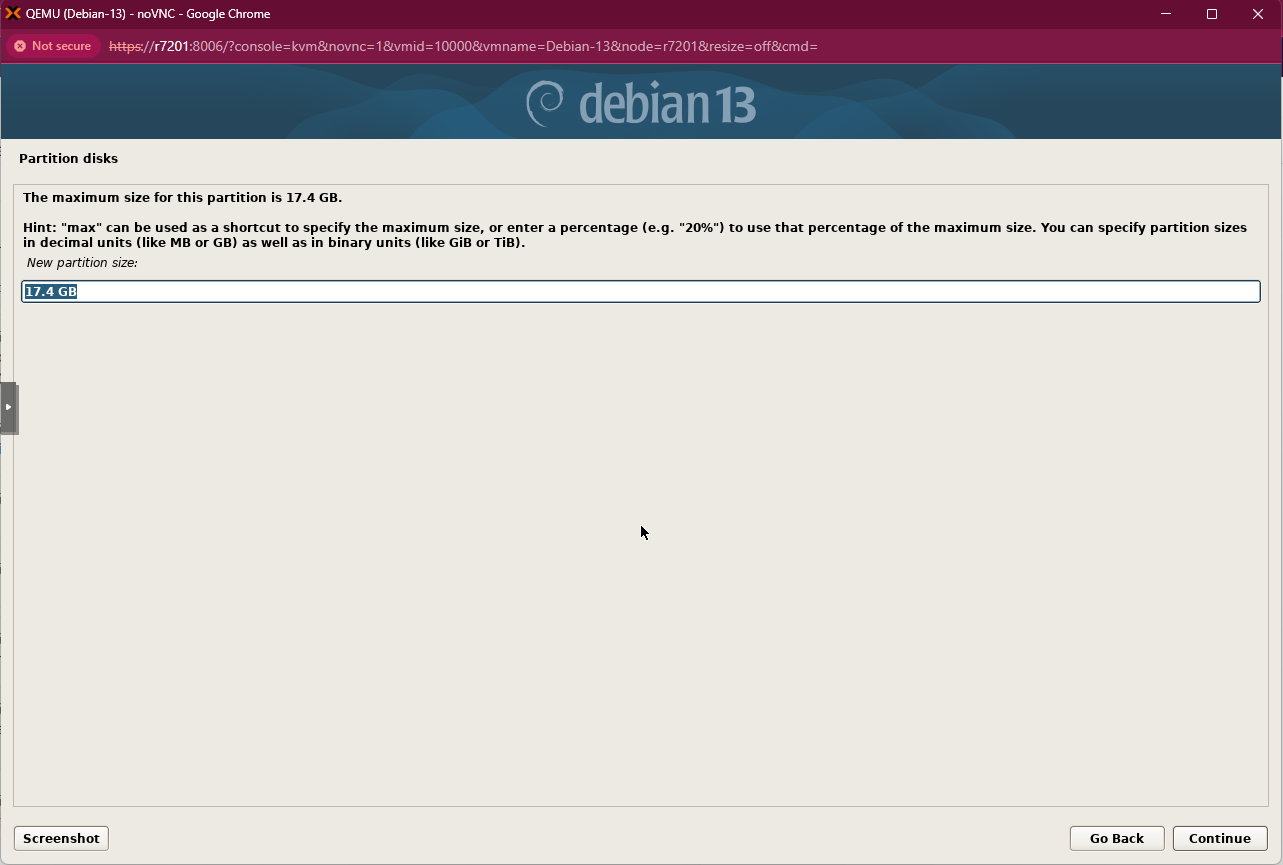
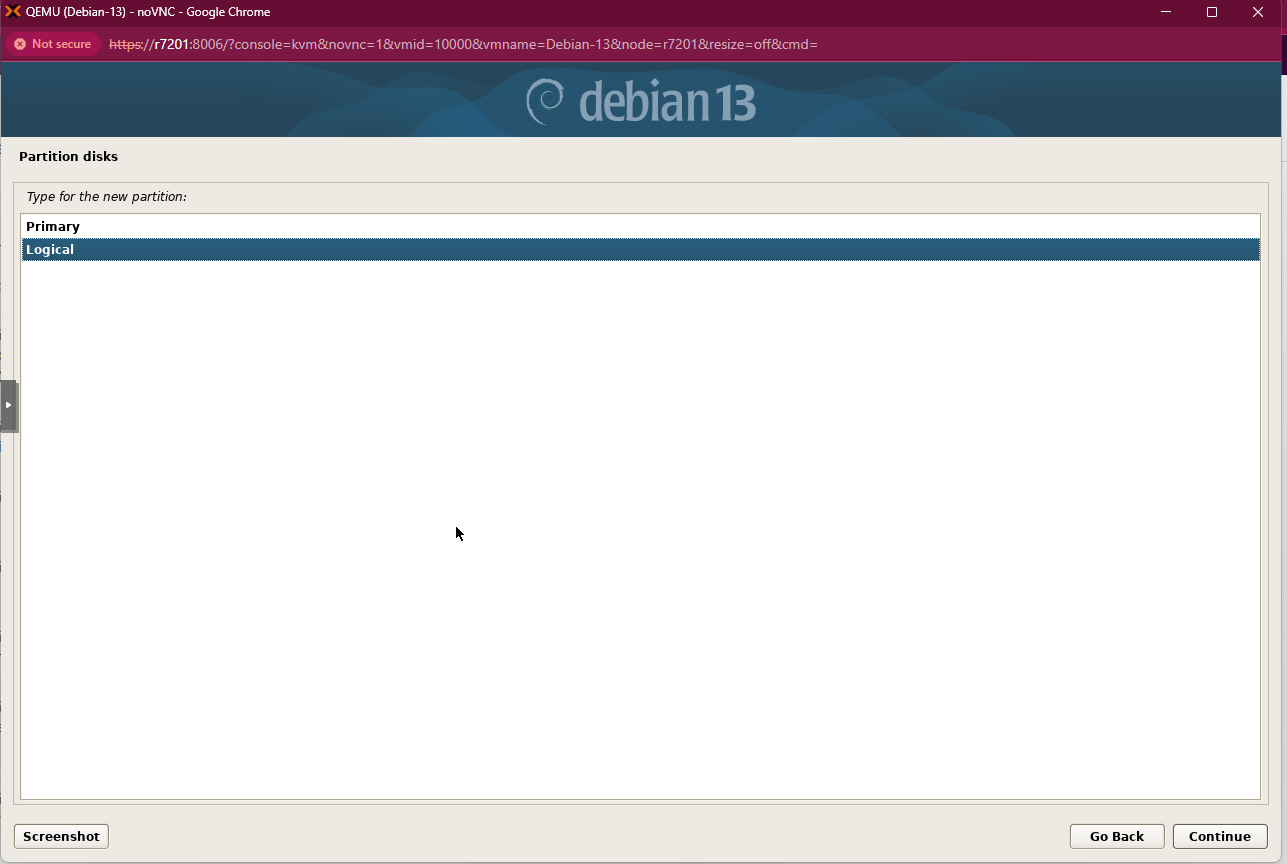
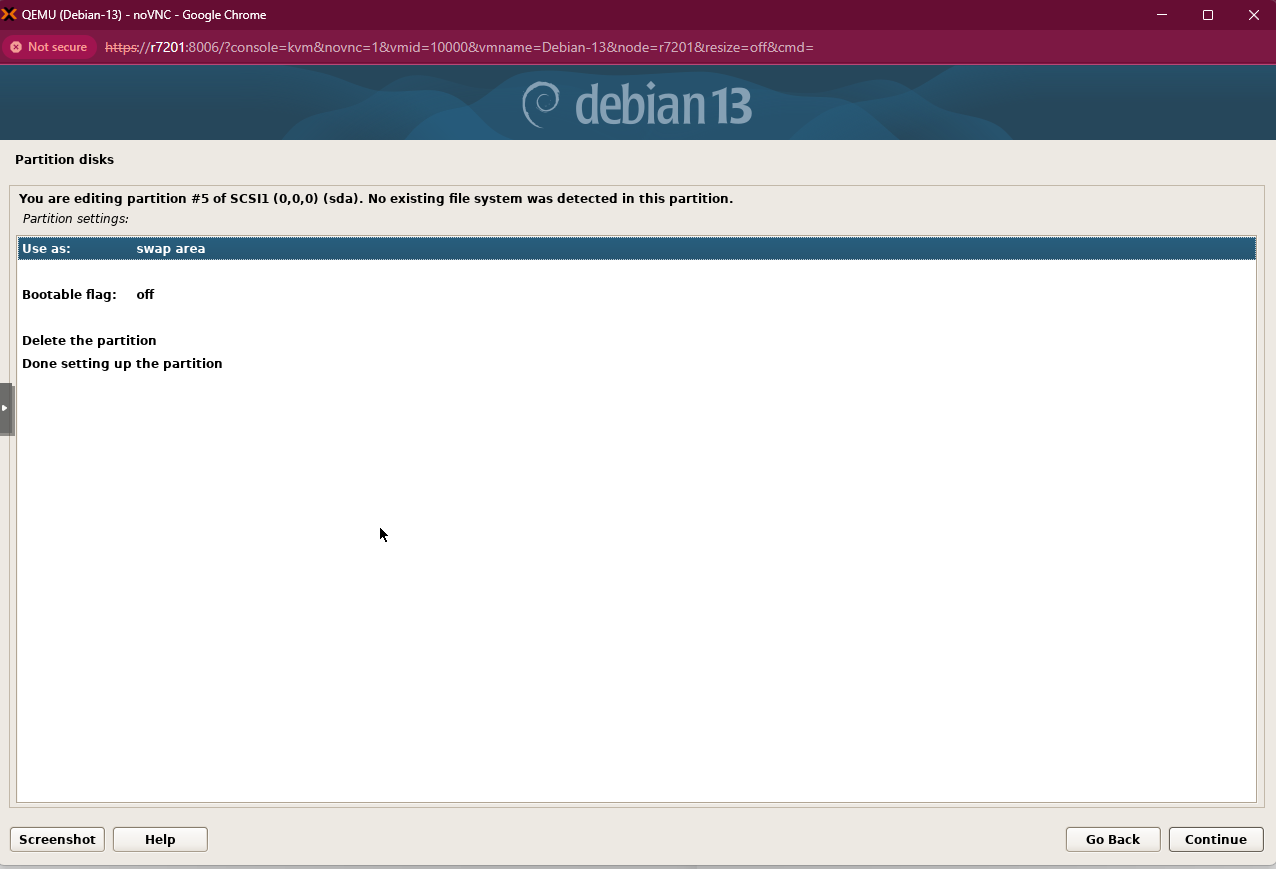
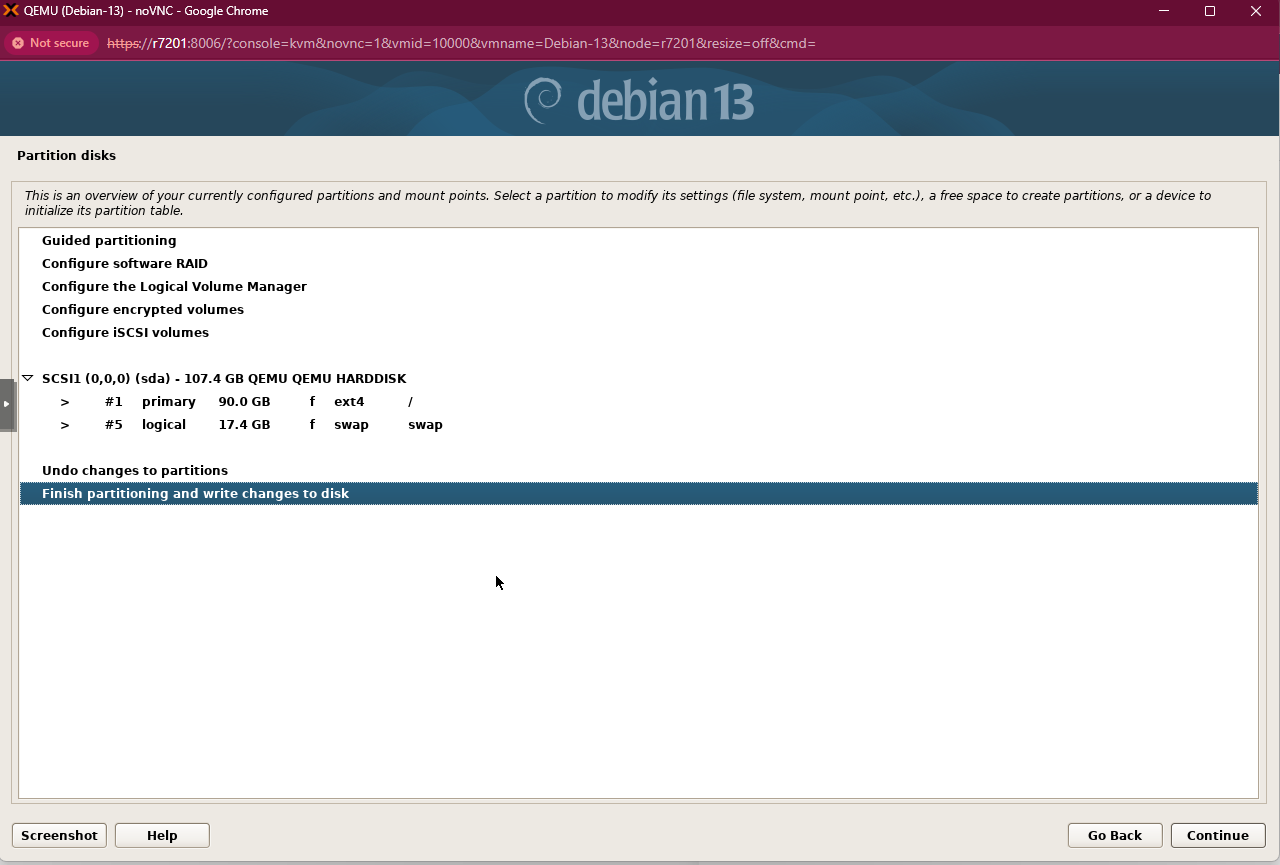
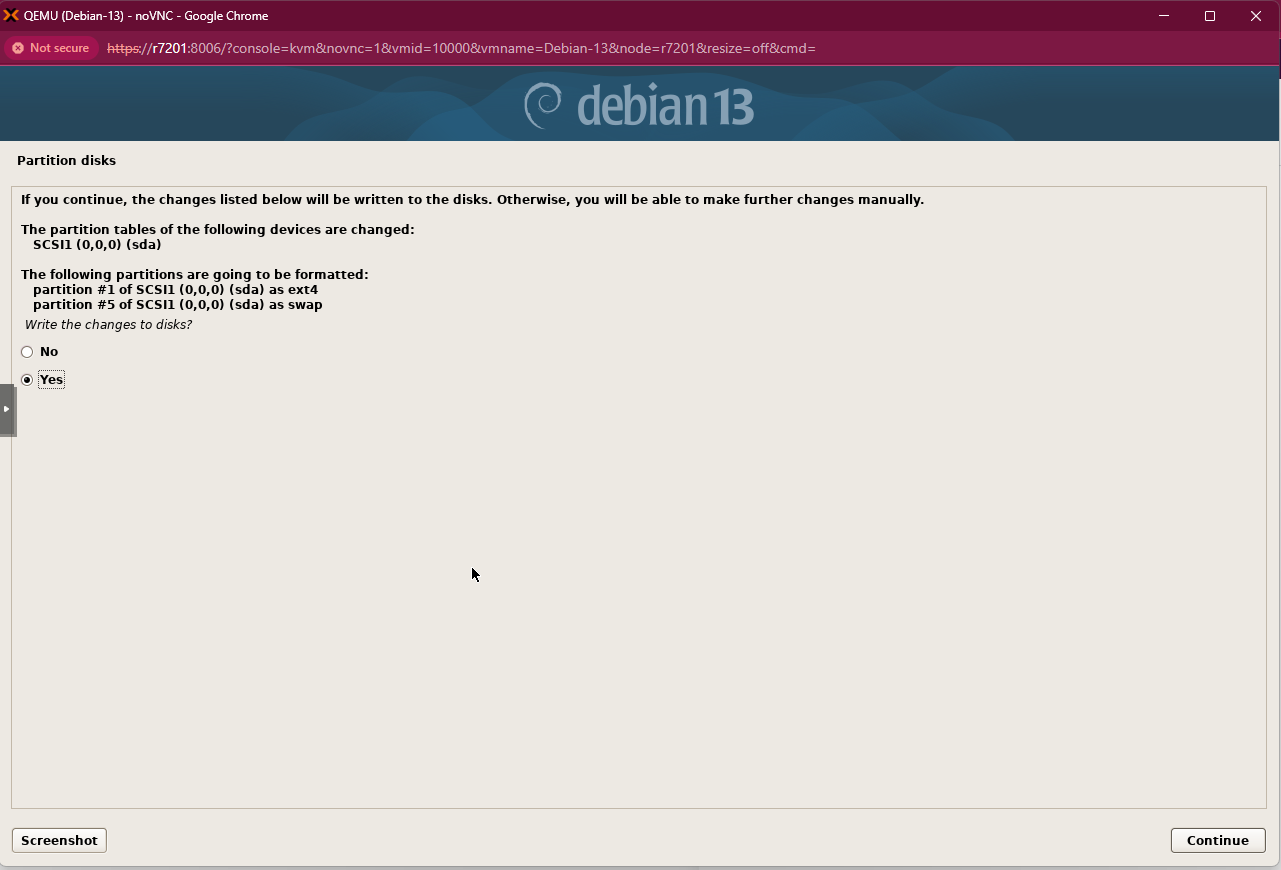
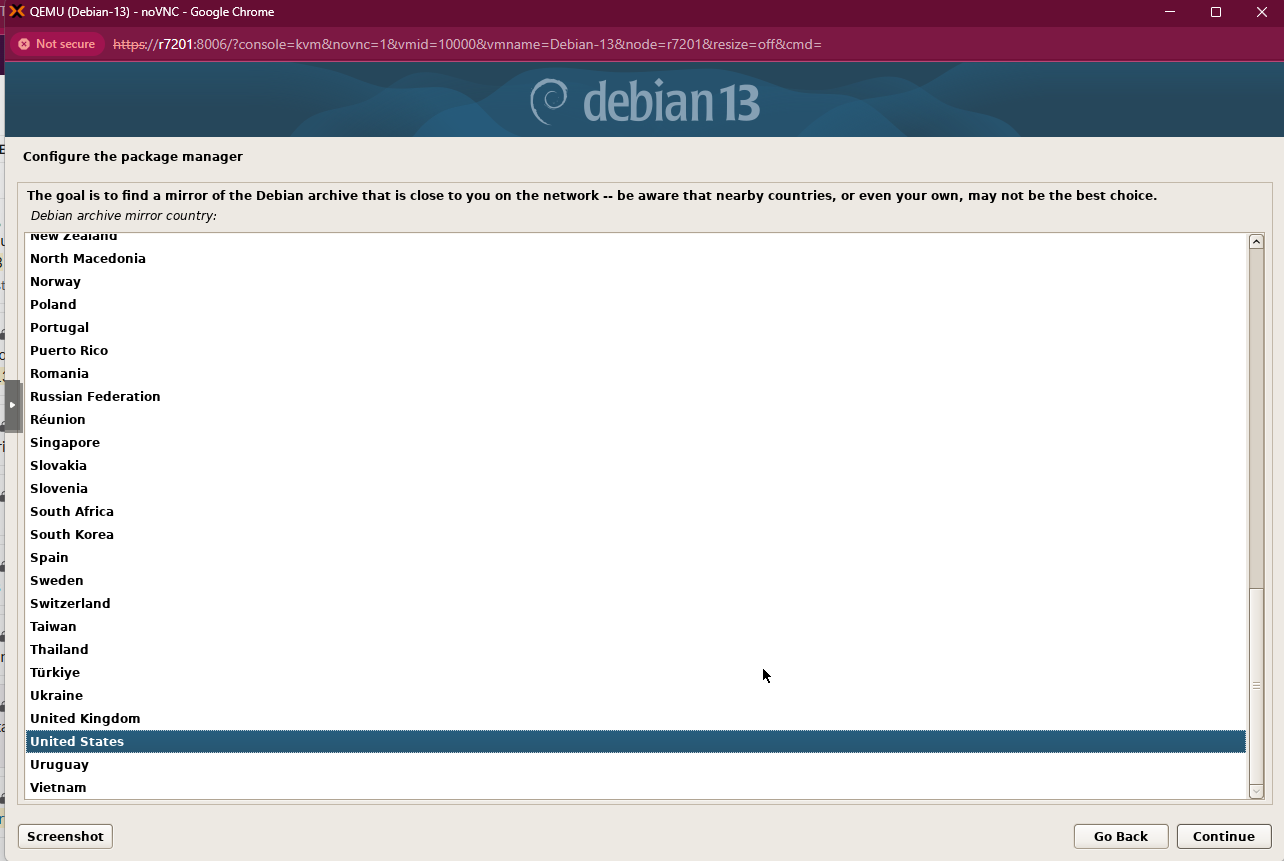
For the installation, it must not be installed using LVM. A single filesystem layout using ext4 should be selected, with a total size of 100G.
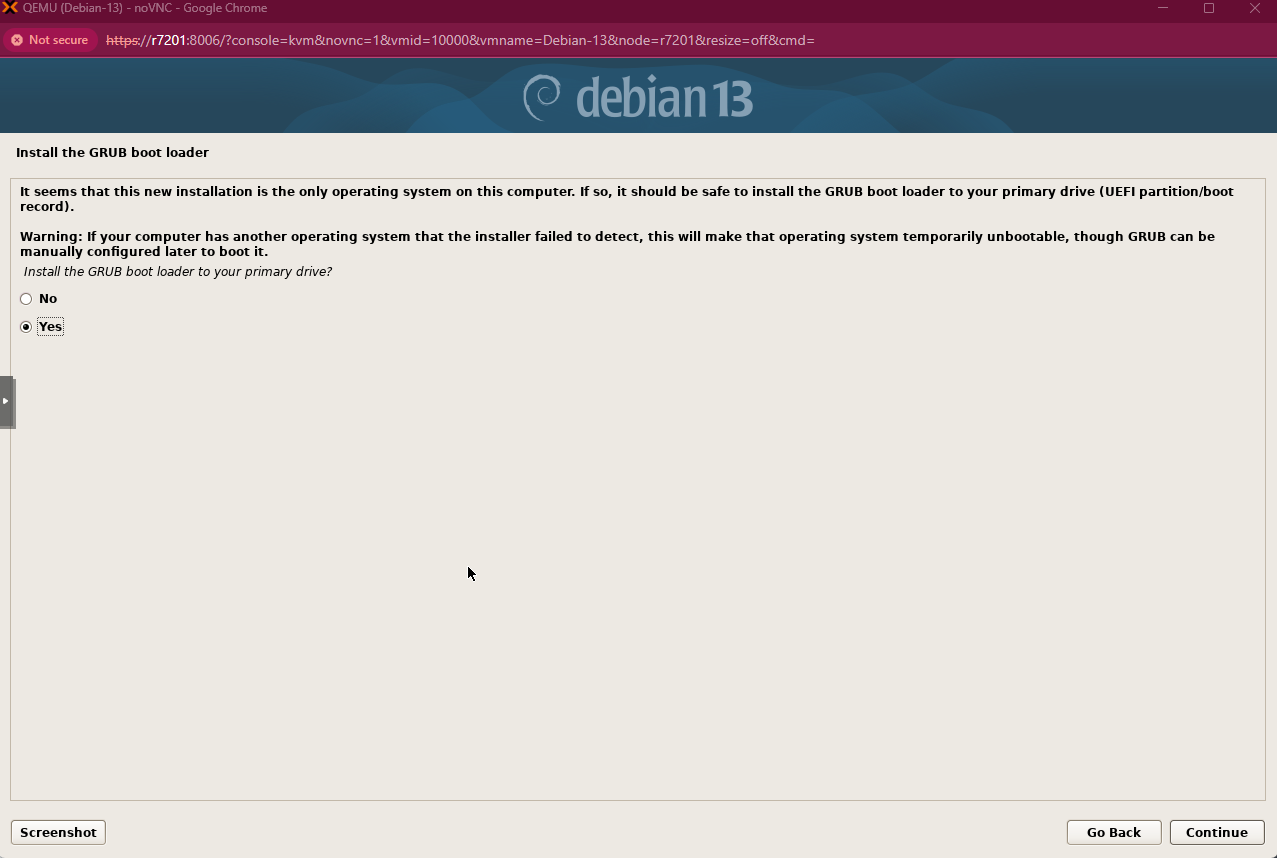
In bare metal environments, it is recommended to allocate 10% of the memory for a swap filesystem, and to consider using UEFI, which in Debian requires an approximately 300MB EFI boot filesystem.
Firewalls
If you want to establish a firewall, the following services must be taken into account:
Incoming ssh on port 22022 instead of the default port 22
dns (ports 53 and 853) unrestricted inbound and outbound UDP/TCP traffic
Unrestricted outbound https traffic to external ports 443 and 8443, ensuring proper operation of the API and access to WHOIS services.
Warning
If Prometheus/Grafana is required, each resolver and authoritative server must have port 80 open from the server where Prometheus is installed.