ACLs
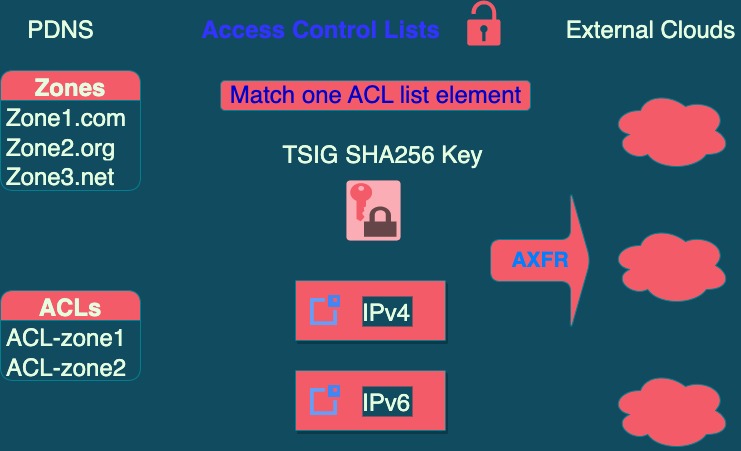
An Access Control List is a list of CIDR blocks or IP addresses (IPv4 or IPv6), and optionally TSIG keys, used as permissions so that a zone under our administration can be transferred to a $
The transfer action is known as AXFR, and by default it is completely denied, so a list of authentication conditions must be explicitly defined.
The purpose of an ACL is to apply it to a zone to allow transfers to a server external to our networks, for example if a customer requires a copy of their zones on their own servers.
This situation occurs when a domain is marked as allowed to transfer, in which case it is mandatory to assign an ACL to determine what the transfer permissions are. The “transfer permissions” are requirements that must be met by $
If you want to mark a large number of domains as allowed to transfer with an ACL in bulk, it is more convenient to use the PDNS API instead of doing it through the Web interface.
Step-by-step ACL creation
Inside your company section on the left side, you must click on Company ACLs
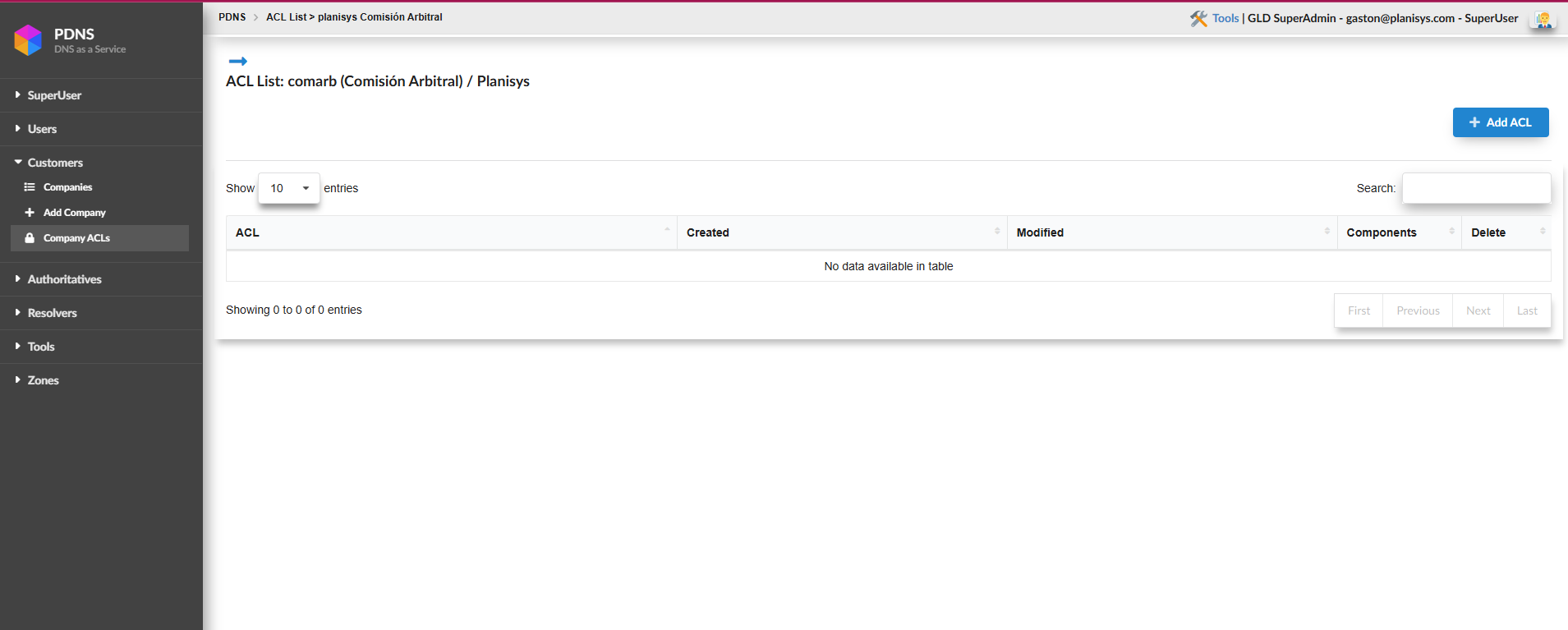
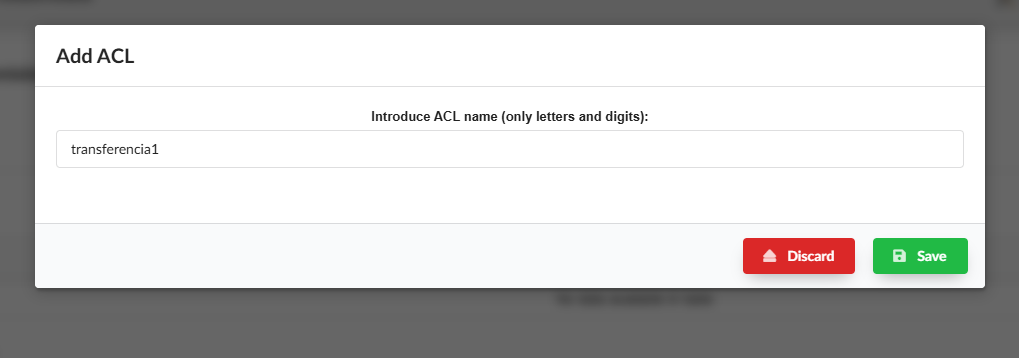
Then you must go to +Add ACL, assign it a name, and click SAVE
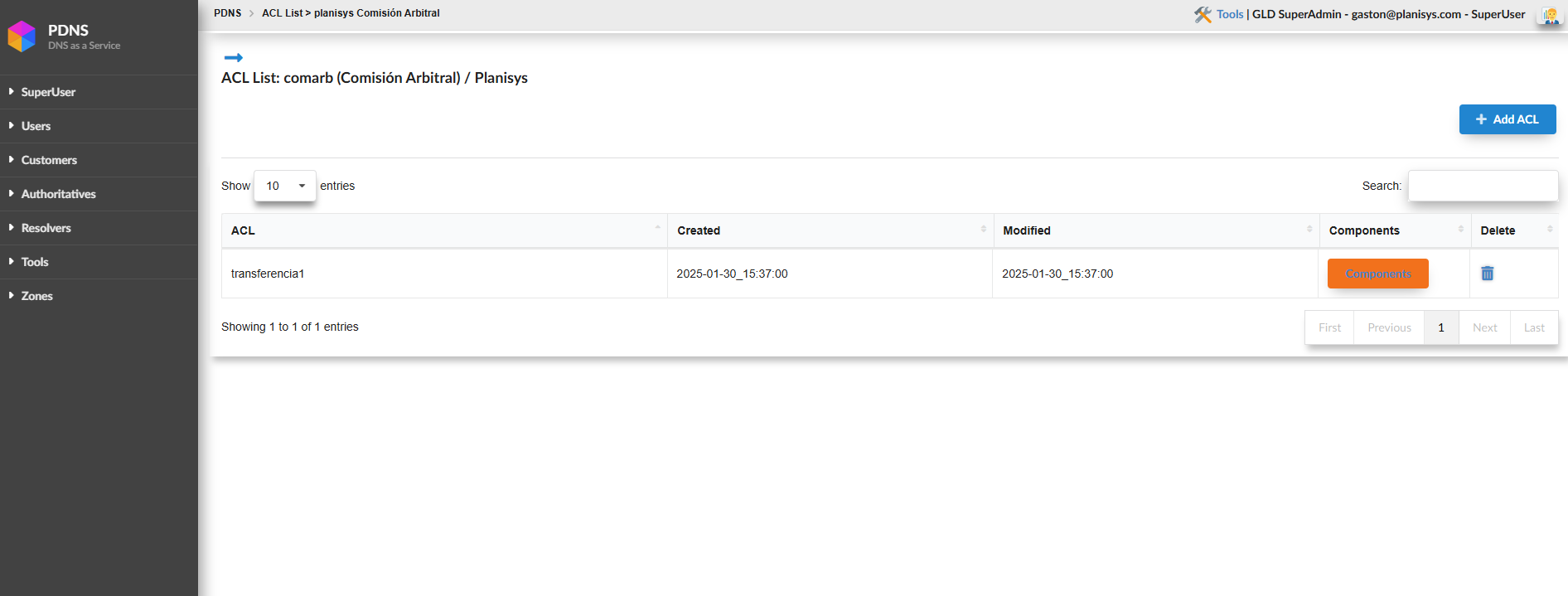
Once created, you must click on Components and from there you can use the options: +ipv4 address, +ipv4 block, +ipv6 block, or +HMAC-SHA256 TSIG Key
For this example we will use +ipv4 address:
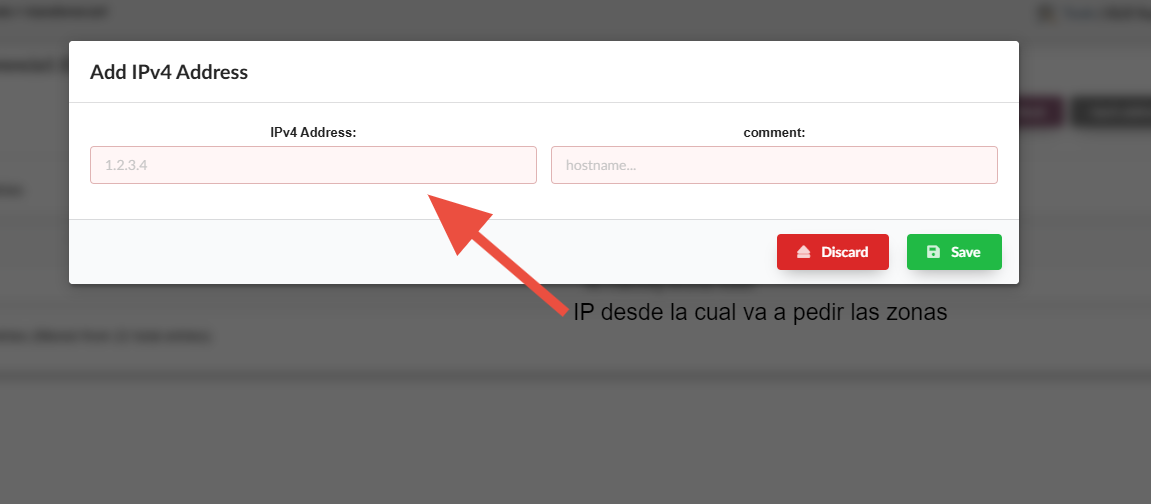
The IP address we recently added will now be authorized to perform AXFR.